- SIGNA™ Hero 3.0T Service Methods
- 5852800-8EN Revision 1.0
- 00000018WIA3026D010GYZ
- id_20029667.4
- Jul 7, 2021 3:51:57 PM
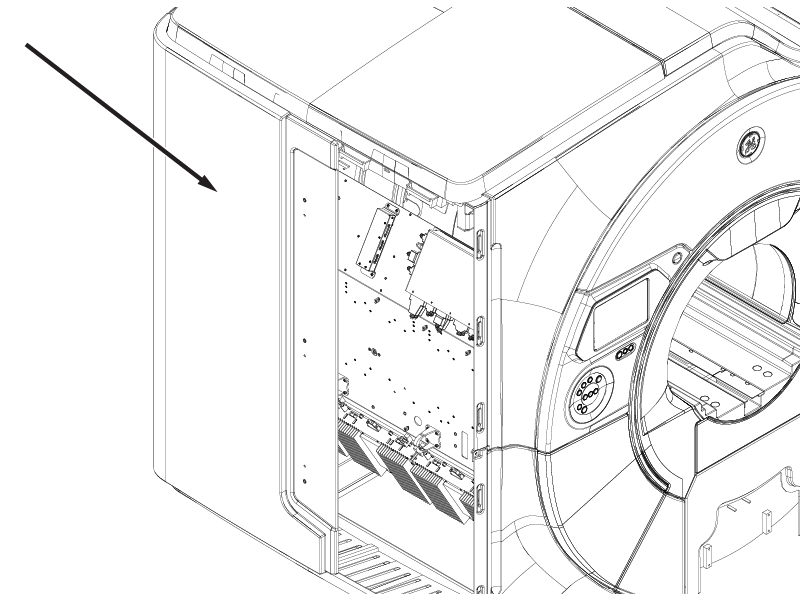
Removing the magnet rear service access panel
Removes the rear service access panel from the magnet to allow access to components mounted on the left-hand side of the magnet.
Prerequisites
| Personnel requirements | |||
|---|---|---|---|
| Required persons | Preliminary requirements | Procedure | Finalization |
| 1 | - | 5 minutes | - |
| Required conditions |
|---|
| Front service cover is removed. |
Procedure
- Slide the rear service access panel rearward until it stops.
Figure 1. Rear service access panel