- SIGNA™ Hero 3.0T Service Methods
- 5852800-8EN Revision 1.0
- 00000018WHA304B62GYZ
- id_200142611.9
- Aug 23, 2021 5:01:26 PM
Checking the emergency egress function
Checks the patient table emergency egress system for correct operation.
Prerequisites
| Personnel requirements | |||
|---|---|---|---|
| Required persons | Preliminary requirements | Procedure | Finalization |
| 1 | - | 10 minutes | - |
About this task
Procedure
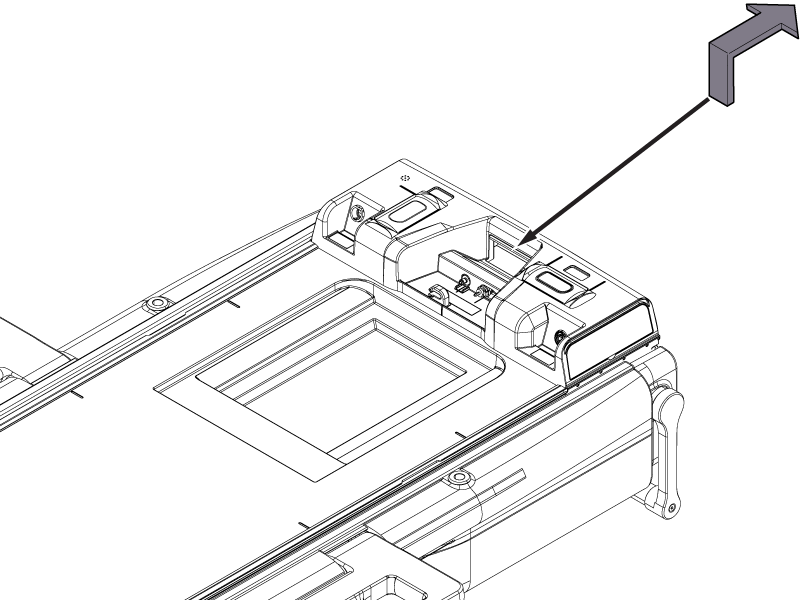
- Pull up the cradle release handle and release it. The cradle will move back to the home position.Note: While in egress, the handle must be continuously activated for the cradle to move. If the cradle is positioned between 0 mm and 750 mm, releasing the egress handle will cause the cradle to decelerate and move slowly to the home position. If the cradle is positioned beyond 750 mm, releasing the egress handle will cause the cradle to decelerate and stop.
Figure 1. Emergency egress check