Measures the relative heights of the dock and dockable table bosses.
Prerequisites
| Personnel requirements |
|---|
| Required persons | Preliminary requirements | Procedure | Finalization |
|---|
| 1 | - | 5 minutes | - |
Procedure
- Download and open the Alignment Data Sheet Macro (DOC2647017) from the online documentation library.
| Notice |
|---|
 | Potential equipment damage The hook can become overstressed and bend, requiring replacement. Do not attempt to fully engage the dock pedal if the force needed is too strong. |
| Notice |
|---|
| Potential equipment damage The ODU connector pins may become bent, requiring table cable replacement. Do not electrically dock the table prior to the table being properly aligned. |
Mechanically dock the table.- Measure the vertical distance between the dock boss and the table boss on the left and right sides.
Figure 1. Docked boss measurement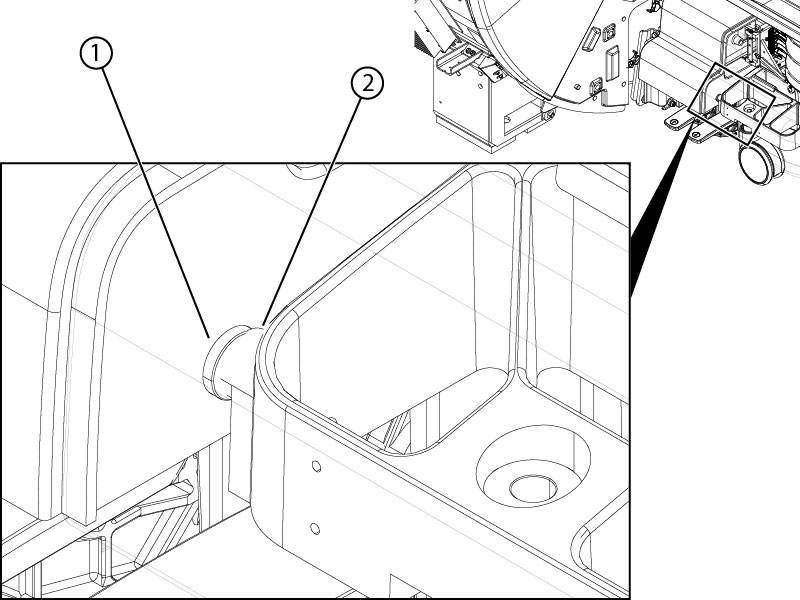
- Input the measurements into the eDOC Height table on the eDOC Height sheet of the spreadsheet.
