- SIGNA™ Hero 3.0T Service Methods
- 5852800-8EN Revision 1.0
- 00000018WIA30B09110GYZ
- id_20042247.0
- Jun 10, 2019 8:00:51 AM
Setting up total digital imaging (TDI) posterior array (PA) - lower
Set up the total digital imaging (TDI) of the lower posterior array (PA) for the Multi-Coil Quality Assurance (MCQA) check.
Procedure
- Put the flat filler panel closest to the bore on the table.
Figure 1. Flat filler panel 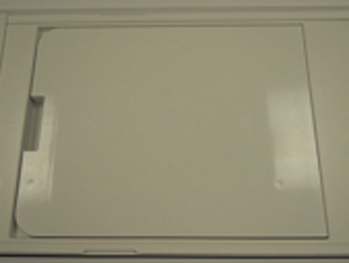
- Move the cradle so the alignment light shows on the TDI PA coil lower end line on both sides of the cradle.Note: There are lines on both sides of the cradle.
Figure 2. Flat filler panel alignment 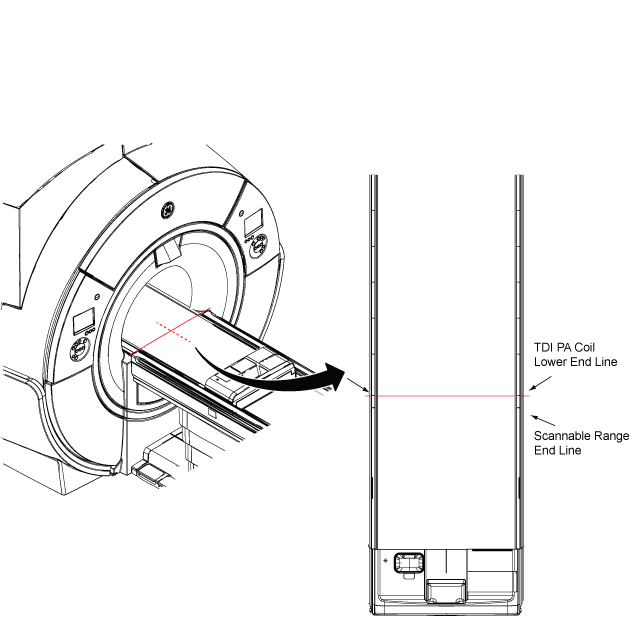
- Do the following steps:
Notice - Place the two TL unified phantoms and the spacer on the table.
- Place PA phantom positioner over the two TL unified phantoms.
Figure 3. Phantom setup 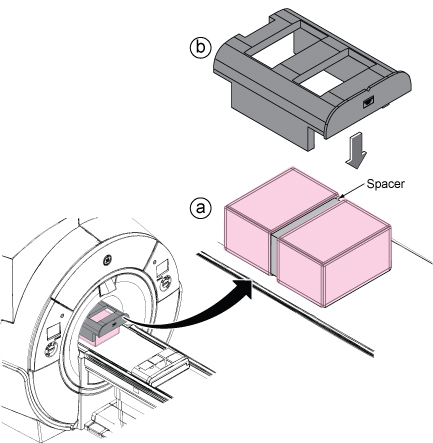
- Move the phantom with positioner so that alignment line and alignment dent of the positioner are aligned with the beams.
Figure 4. Phantom alignment 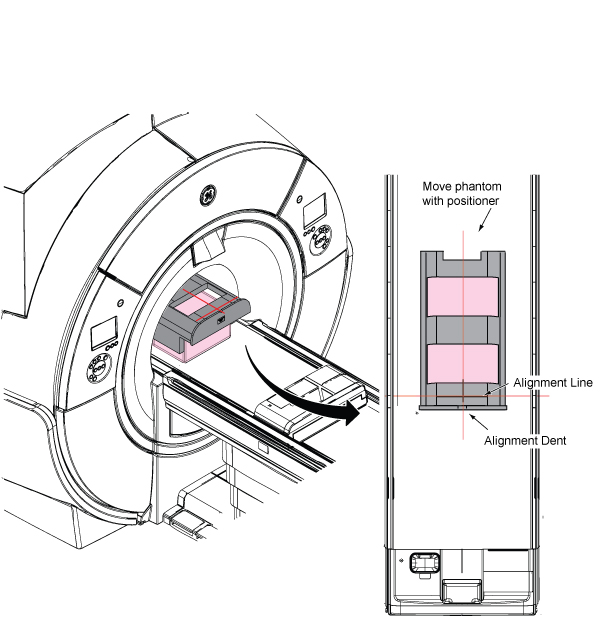
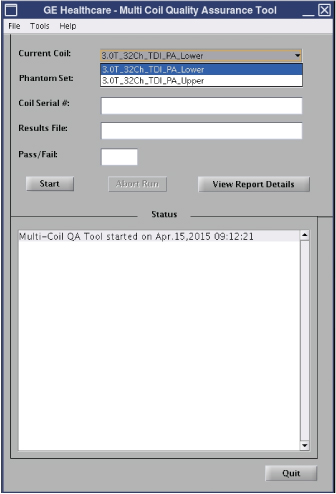
- Run the MCQA check.Note: Select 3.0T_32Ch_TDI_PA_Lower (or equivalent platform option) in the Current Coil field.
Figure 5. MCQA tool menu