- SIGNA™ Hero 3.0T Service Methods
- 5852800-8EN Revision 1.0
- 00000018WIA30CF4450GYZ
- id_20221351.9
- Oct 11, 2021 6:31:30 PM
Removing the rocker clamp, rod link connector, and shaft rocker
Removes the rocker clamp, rod link connector, and shaft rocker from the patient table.
Prerequisites
| Personnel requirements | |||
|---|---|---|---|
| Required persons | Preliminary requirements | Procedure | Finalization |
| 1 | - | 10 minutes | - |
| Tools and test equipment | |||
|---|---|---|---|
| Item | Quantity | Part number | Manufacturer |
| Nonmagnetic Titanium Service Tool Kit, Small Set | 1 | 5113258 | - |
Procedure
- Lower the table lock safety bar. Lower the table and verify that all weight is resting on the lock bar.
Figure 1. Lock safety bar down 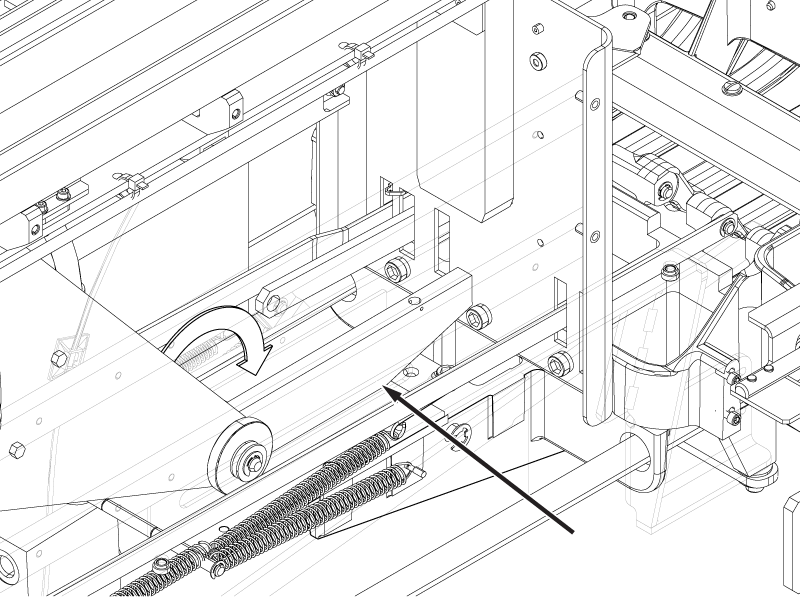
- Remove the spring on the defective rod link connector.
Figure 2. Rod link connector back end 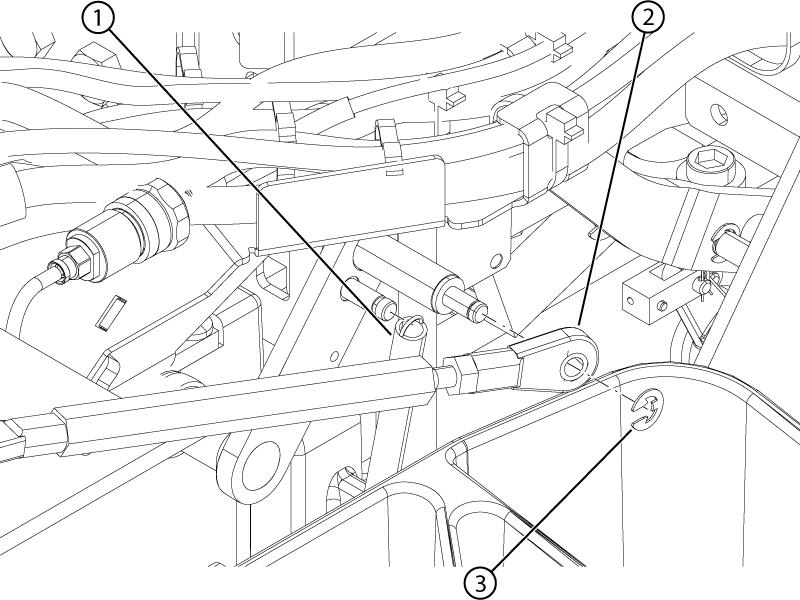
1 Spring 2 Rod link connector 3 E-clip - Disconnect the two springs from the spring adapter plate.
Figure 3. Shaft rocker E-clips 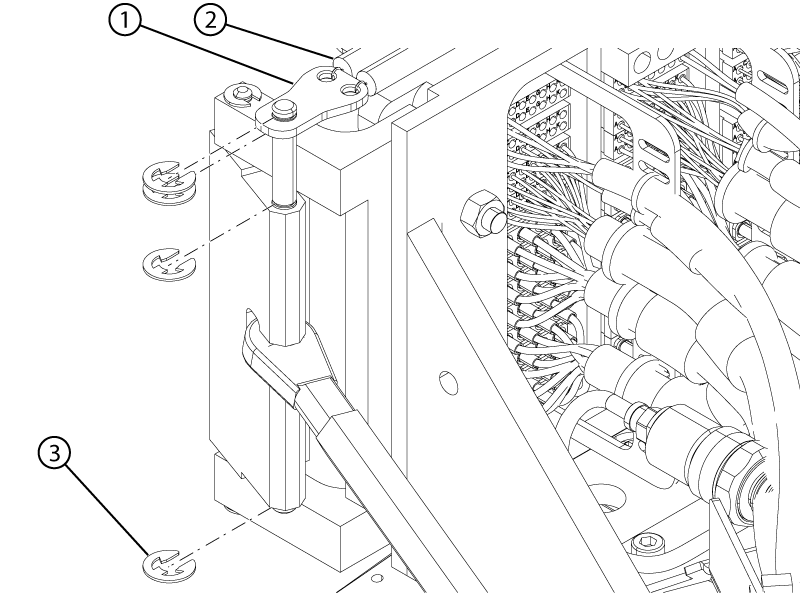
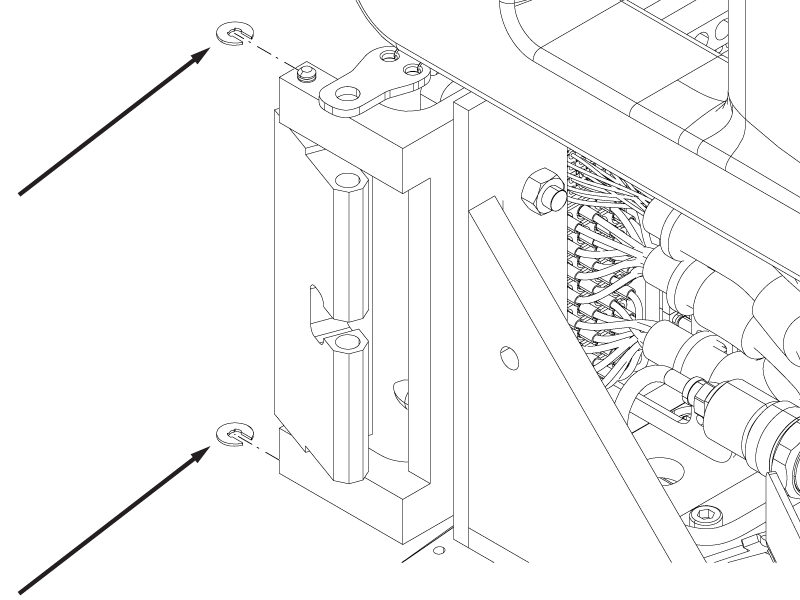
1 Spring adapter plate 2 Spring 3 E-clip - If one of the rocker clamps requires replacement, remove the two E-clips securing it to the table base.
Figure 4. Rocker clamp E-clips