- SIGNA™ Hero 3.0T Service Methods
- 5852800-8EN Revision 1.0
- 00000018WIA301C5350GYZ
- id_20204852.4
- Apr 23, 2020 8:52:35 PM
Removing a dockable table cradle vertical wheel
Removes a vertically-oriented wheel from the dockable table patient cradle.
Prerequisites
| Personnel requirements | |||
|---|---|---|---|
| Required persons | Preliminary requirements | Procedure | Finalization |
| 1 | - | 5 minutes | - |
Procedure
- Undock the table and move it straight back from the magnet approximately 18 inches (45.7 cm).
Figure 1. Table separated from magnet 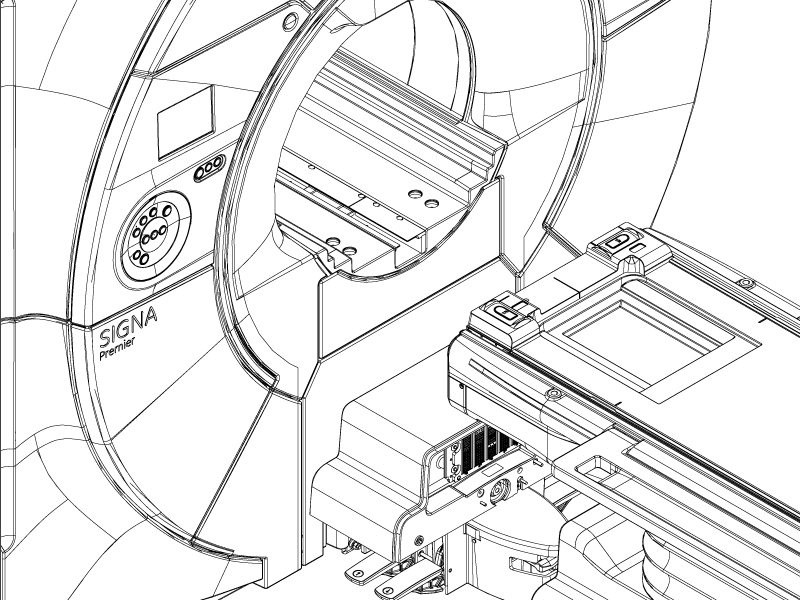
- Push and hold the rod button and pull the cradle off the tabletop surface until the cradle is clear of the secondary latch.
CAUTION Figure 2. Cradle rod button 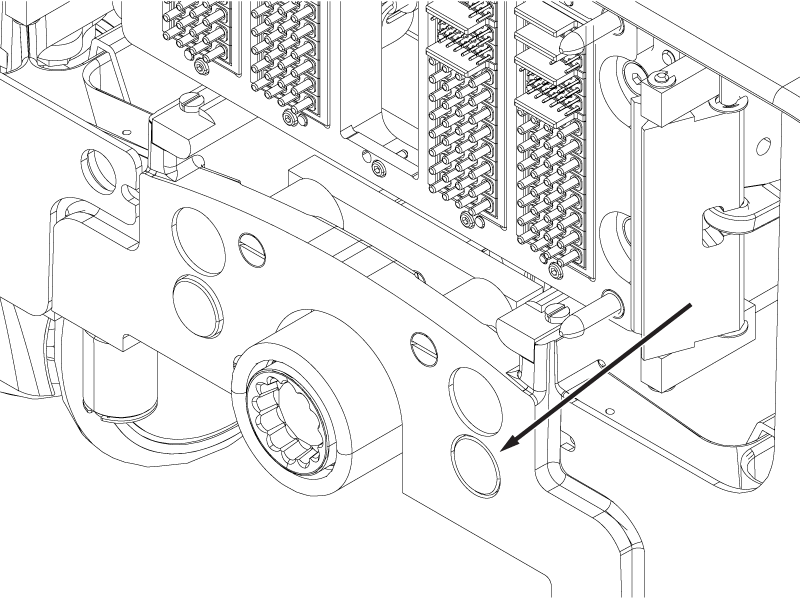
- Move the cradle into the bore until the vertical wheel to be replaced is located in the gap between the table and the magnet.Important: Make sure the table and bridge are properly aligned. Misalignment may cause table damage. If required, release the brake pedal, adjust the table orientation relative to the bore, and re-engage the brake to correct the alignment.
Figure 3. Cradle positioned for wheel removal 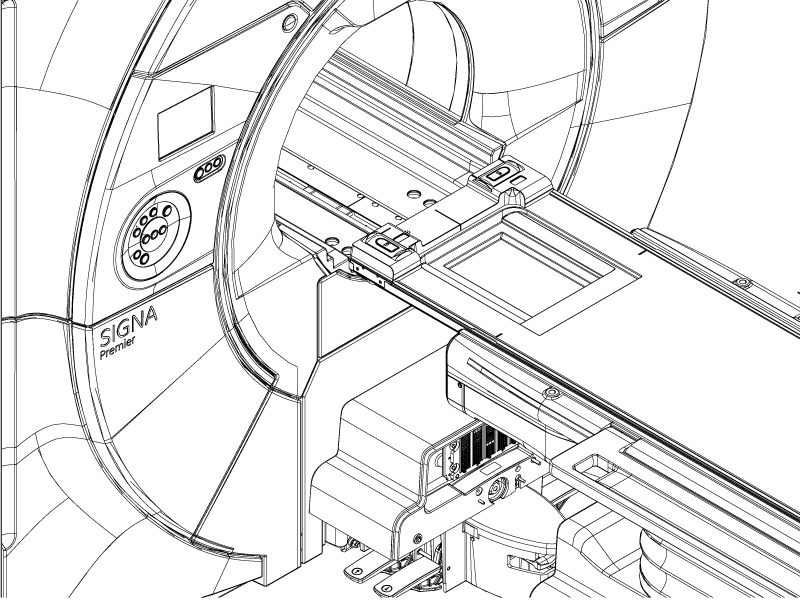
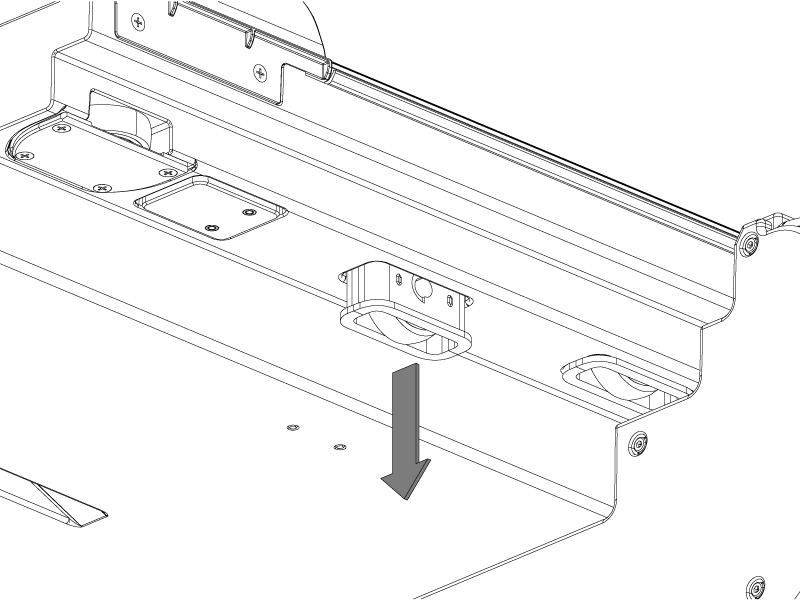
- Use a screwdriver to pry the wheel assembly out of the cradle and remove the wheel.
Figure 4. Vertical wheel