- SIGNA™ Hero 3.0T Service Methods
- 5852800-8EN Revision 1.0
- 00000018WIA3073CB30GYZ
- id_20126045.1
- Jul 13, 2021 4:16:32 PM
Replacing the ICN power supply
Procedure
- Loosen the fixing screws and lift the ISC PW cover a small distance to remove it.Note: If the furnished closet door prevents removal, you can separate the PW cover into two pieces by removing 6 screws at the center.
Figure 1. ISC PW Cover 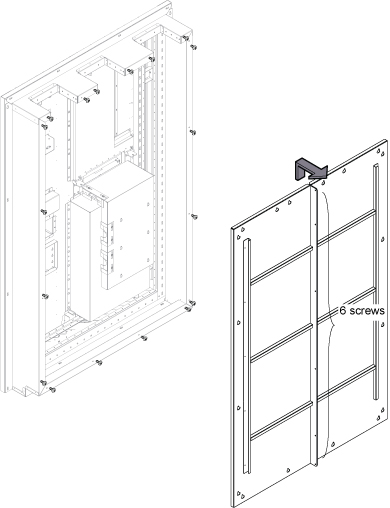
- Remove the rear access cover.
Figure 2. ICN Cable Removal 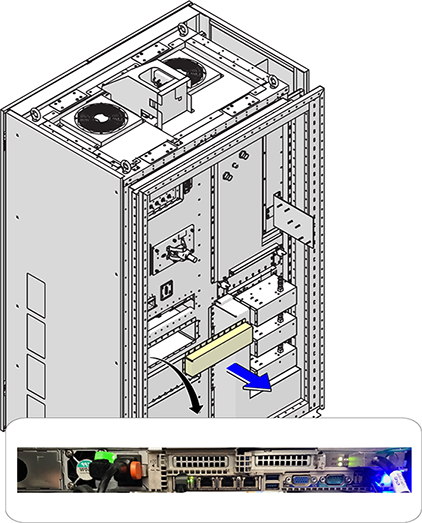
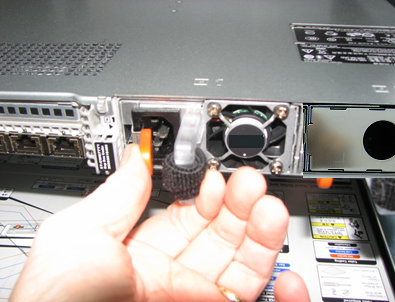
- Toggle the orange locking lever to the center of the supply and then pull the power supply out of the ICN chassis.
Figure 3. Remove ICN Power Supply