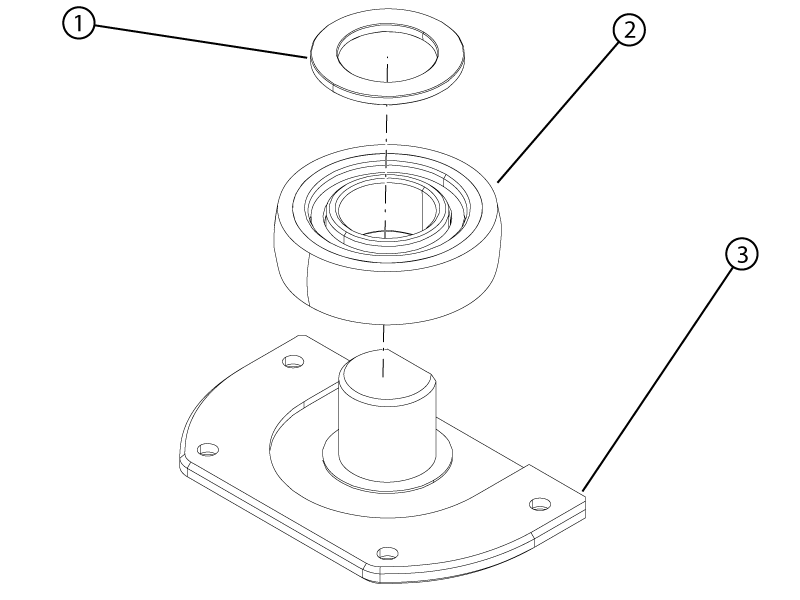
Removes a side wheel from the dockable table patient cradle.
Prerequisites
Personnel requirements
Required persons
Preliminary requirements
Procedure
Finalization
1
-
5 minutes
-
Tools and test equipment
Item
Quantity
Part number
Manufacturer
Nonmagnetic Titanium Service Tool Kit, Small Set
1
5113258
-
Procedure
Raise the table to the up-limit.
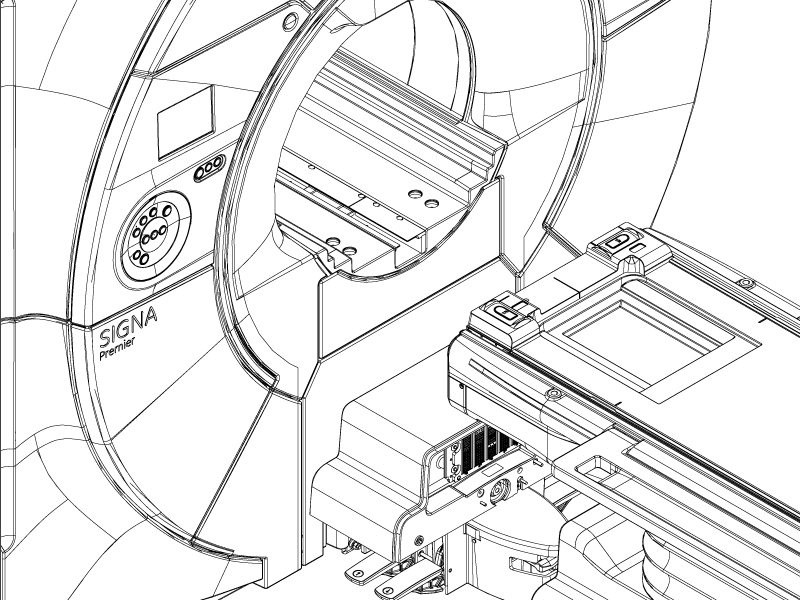
Undock the table and move it straight back from the magnet approximately 18 inches (45.7 cm).
Figure 1. Table separated from magnet
Engage the table brakes.
Press and hold the Dock pedal to override the primary latch and push the cradle approximately 80 mm off the tabletop surface.
Push and hold the rod button and pull the cradle off the tabletop surface until the cradle is clear of the secondary latch.
CAUTION
Pinching hazard
If the table moves down unexpectedly, injury could result or the tabletop may be damaged.
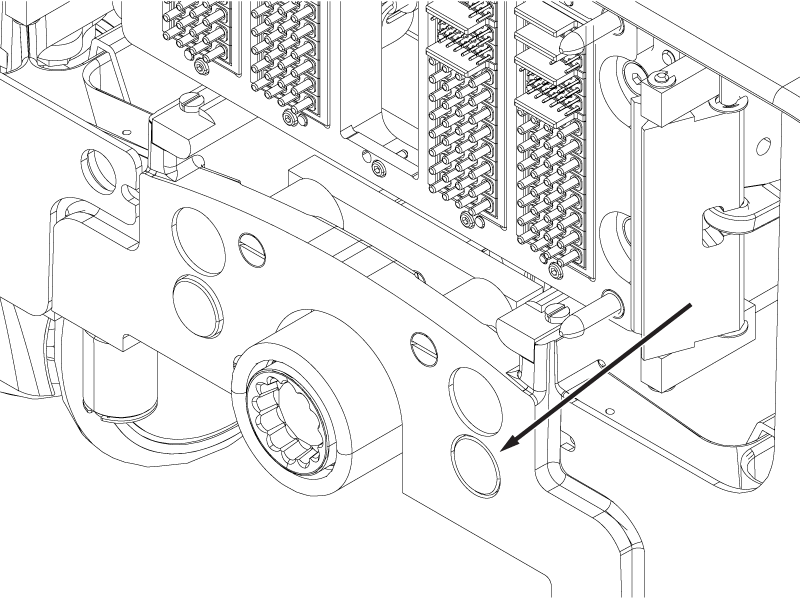
Push the button shown in the illustration and not the button on the opposite side of the table.
Figure 2. Cradle rod button
Raise the table with the table Up pedal to make sure it is at its highest position.
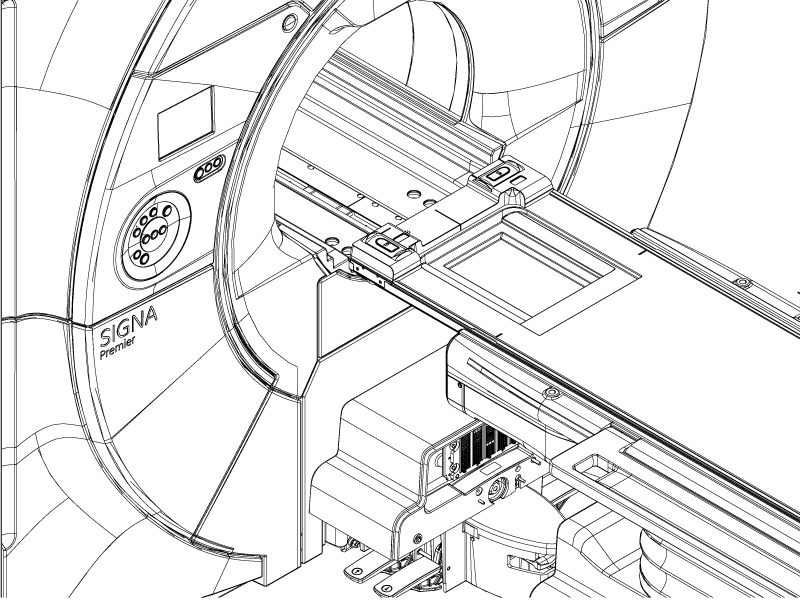
Move the cradle into the bore until the side wheel to be replaced is located in the gap between the table and the magnet.
Important: Make sure the table and bridge are properly aligned. Misalignment may cause table damage. If required, release the brake pedal, adjust the table orientation relative to the bore, and re-engage the brake to correct the alignment.
Figure 3. Cradle positioned for wheel removal
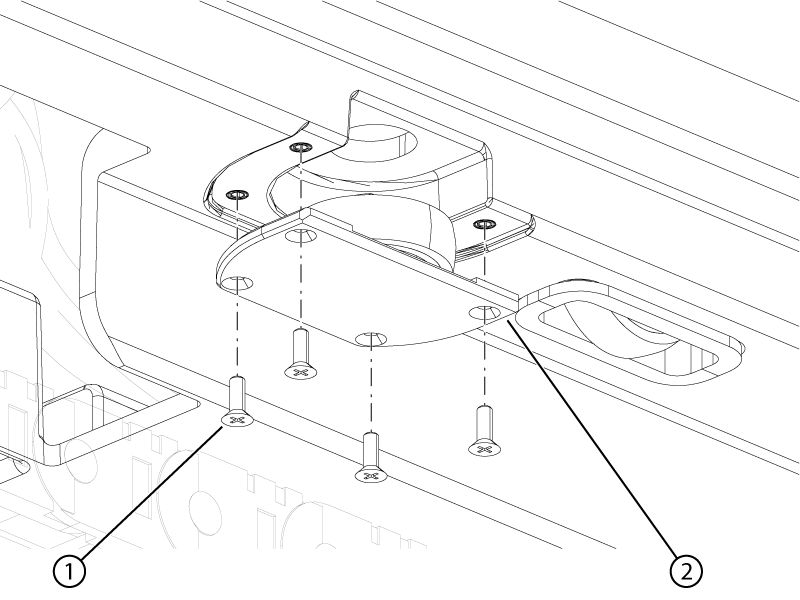
Remove the four screws securing the cradle side wheel assembly to the cradle.
Figure 4. Cradle side wheel assembly screws
1
Screws
2
Cradle side wheel assembly
Remove the wheel assembly from the cradle.
Remove the spacer from the cradle side wheel bracket.