- SIGNA MR355 / SIGNA MR360
- Service Manual
- 5856356-3EN Revision 5.0
- Basic Service Documentation. Copyright General Electric Company.
- 00000018WIA30C92B10GYZ
- id_20068822.6
- Dec 4, 2020 1:10:43 PM
Viewing the Imaging Protocol Manager (IPM) logs
Check the operations that have occurred in Imaging Protocol Manager (IPM) along with its statuses.
Procedure
- Click the Logs tab. The window shows the status of the transactions and the corresponding log details.
Figure 1. Logs tab 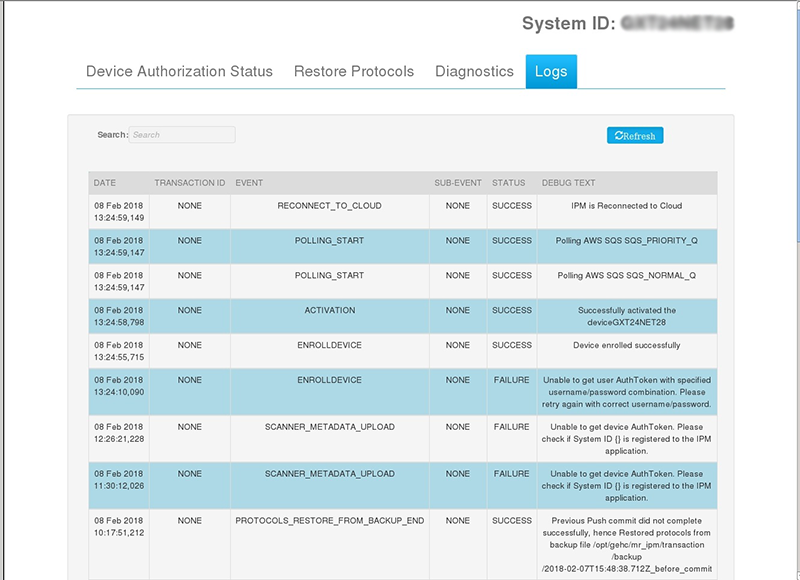
- Enter text in the Search field to display details of a specific transaction. For example, type in PULLS to display the logs related to completed PULLS transactions.
Figure 2. Search field 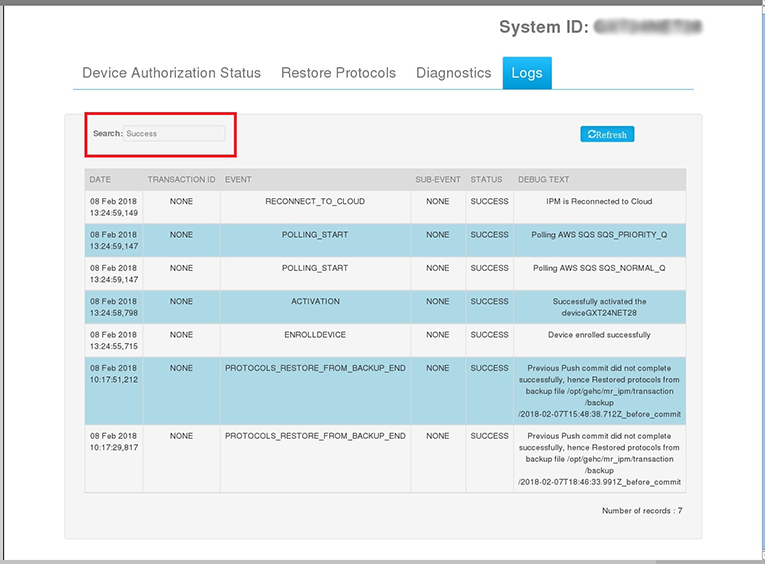
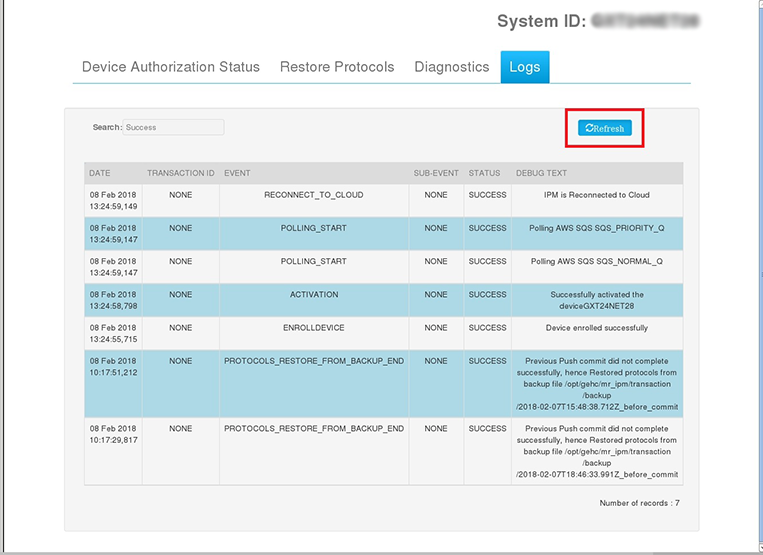
Figure 3. Refresh button