- SIGNA MR355 / SIGNA MR360
- Service Manual
- 5856356-3EN Revision 5.0
- Basic Service Documentation. Copyright General Electric Company.
- 00000018WIA30A92B10GYZ
- id_20068802.3
- Dec 4, 2020 1:09:21 PM
Restoring protocols from the device
Restore backed-up protocols to the site folder.
About this task
Procedure
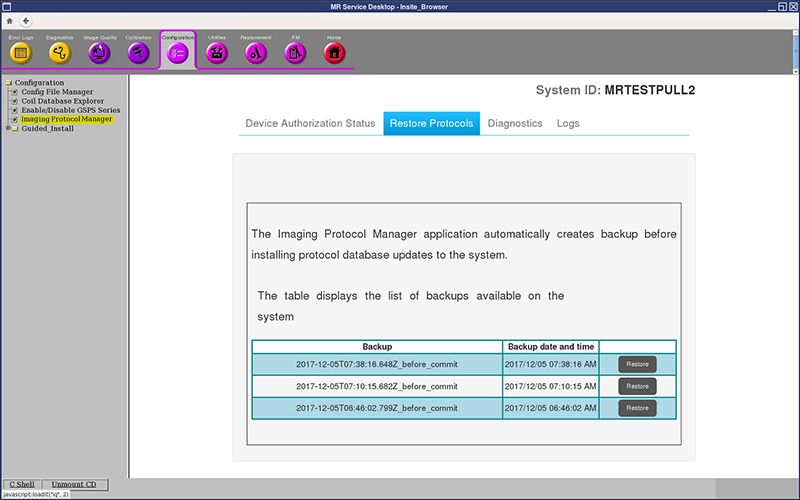
- Click Restore next to the backup that you want to restore.Note: There will be at maximum three protocol sets backed up for each system. Any protocol content issue should be handled by the protocol administrator. The administrator can always restore an older revision.
Figure 1. Restore Protocols window