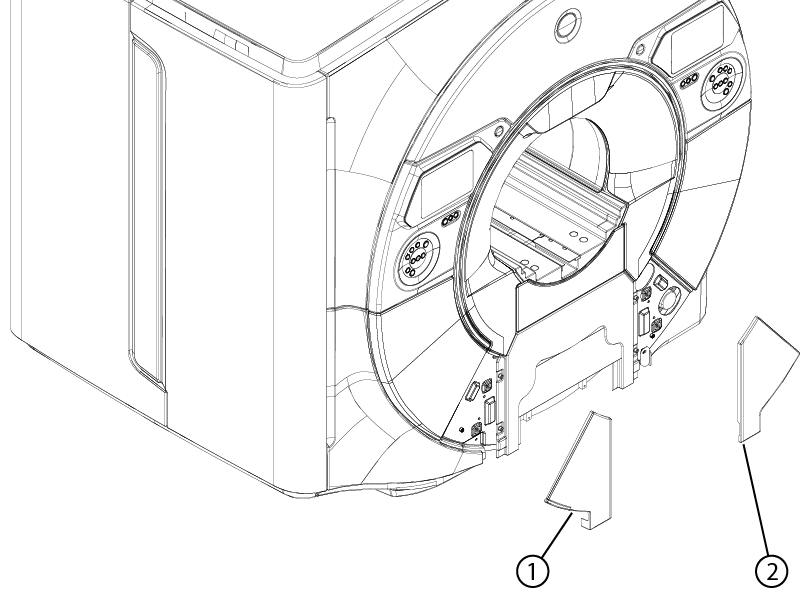
Removing the magnet left- and right-hand lower access panels
Removes the left- or right-hand lower access panel from the magnet front cover.
Prerequisites
Personnel requirements
Required persons
Preliminary requirements
Procedure
Finalization
1
-
5 minutes
-
About this task
The procedure for removing the left- and right-hand lower access panels is identical. Follow the procedure below to remove either or both access panel(s) as required.
Procedure
Pull the lower access panel away from magnet to release two ball catch latches.