- Optima MR450w BASE 1.5T System Service Methods
- 5690012-2EN Revision 3
- 00000018WHA30E572GYZ
- id_20015968.2
- Jul 5, 2021 10:29:51 PM
Removing the ICN
Removes the Image Compute Node (ICN) to replace it or to replace the ICN power supply.
About this task
Procedure
- Slide the ICN out of the cabinet until the ends of the rails touch the stoppers.
Figure 1. Slide the ICN out 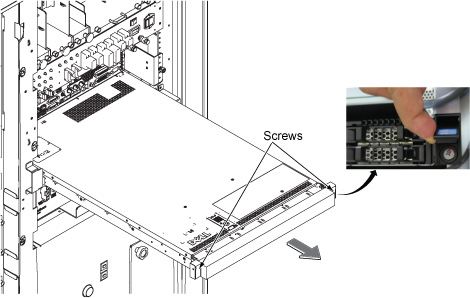
- Push the two release tabs down and move the ICN forward.
Figure 2. Slide rails and release tabs 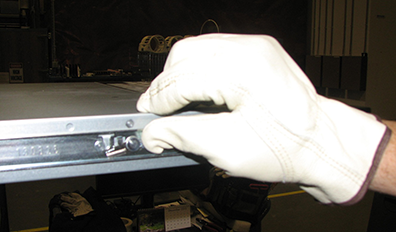
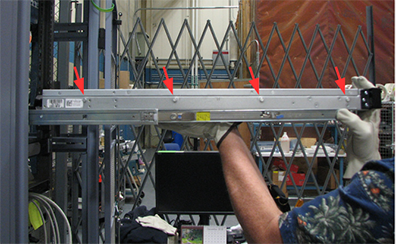
- Lift the ICN up to release it from the bracket.There are four studs on each side of the ICN that fit into the rail.
Figure 3. Removing ICN from rails