
- SIGNA MR355 / SIGNA MR360
- Service Manual
- 5856356-3EN Revision 5.0
- Basic Service Documentation. Copyright General Electric Company.
- 00000018WIA30E5B260GYZ
- id_20297951.4
- Jan 8, 2021 11:59:56 AM
Reenrolling the device to IPM
Reenroll the device after reconfiguring the Image Protocol Manager (IPM).
Procedure
- If DNS values were discovered in the software installation pre-check, re-enter the DNS information.
- Go to .
Figure 1. Guided Install window 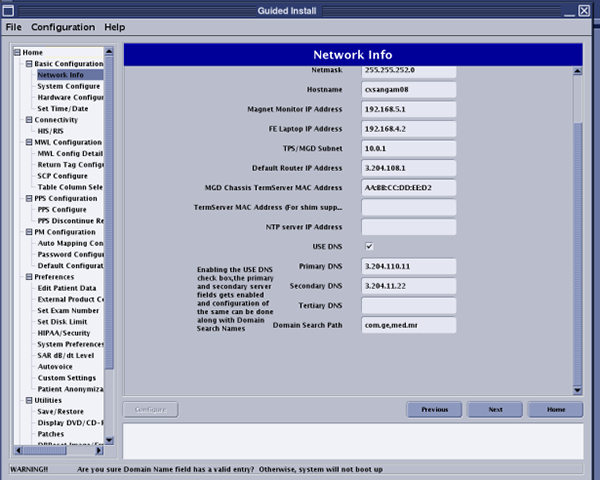
- Go to .