- SIGNA MR355 / SIGNA MR360
- Service Manual
- 5856356-3EN Revision 5.0
- Basic Service Documentation. Copyright General Electric Company.
- 00000018WIA30D29F20GYZ
- id_131063281.4
- Jul 5, 2019 8:42:37 AM
T File Cleanup
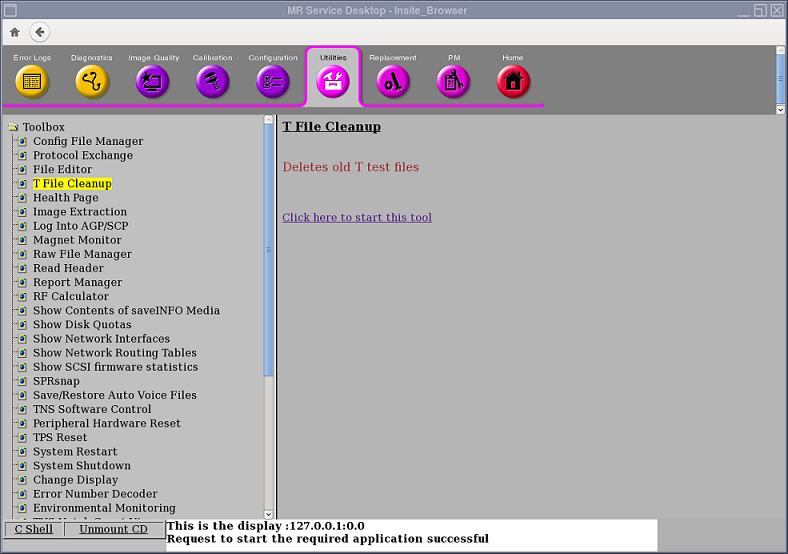
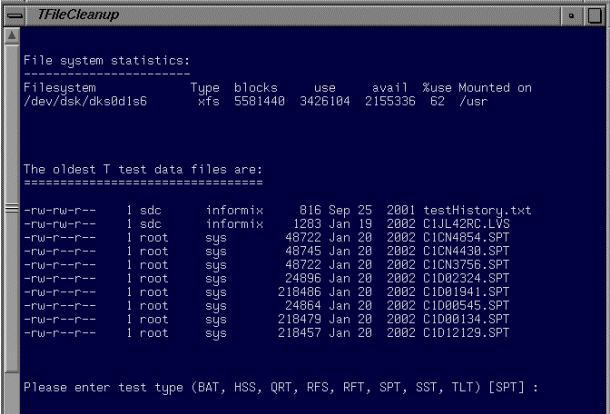
To access T File Cleanup, click on the Service Desktop icon. Start the Service Browser if it is not already running. Click the Utilities tab, T File Cleanup, then Click here to start this tool. See Figure 1. Figure 2 shows the T File Cleanup Interface.
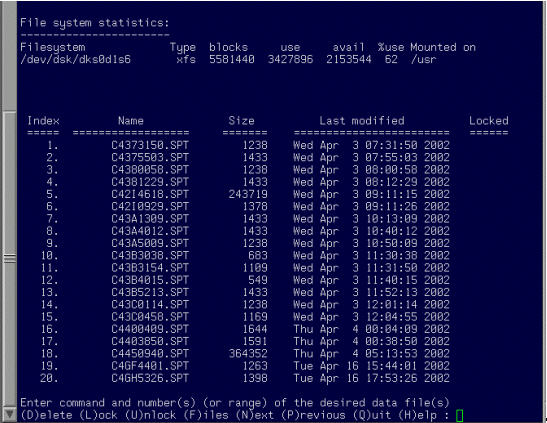
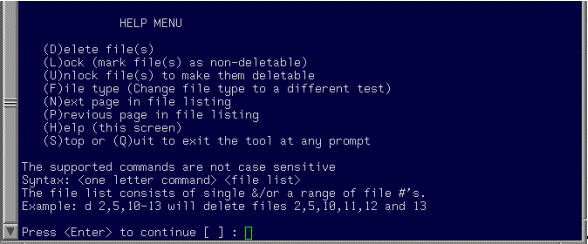
Selecting the test type from the list of available types results in the display shown in Figure 3. In this example the default test type SPT was selected. Help information is available for each of the listed commands by selecting H. See Figure 4.