- id_2004109
- Version: 4.0
- Date: Jul 10, 2019 2:40:29 PM
Generating licenses on eLicense portal
note: Refer to the MR Service Pack Software Matrix, DOC1667089, available from the online documentation library and verify that the necessary service pack media (if any) is available. Do not start the software load until this media is available.
Procedure
- Go to the eLicense website http://elicense.gehealthcare.com and log on using your single sign-on (SSO) username and password.
- From the eLicense homepage, enter the System ID, select System ID from the drop-down menu and MR for the modality as shown below and then click Go.
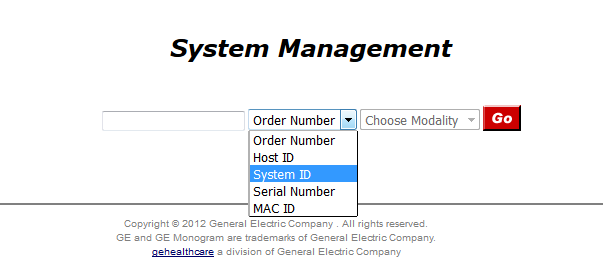
- Order Number
- Click Generate Licenses on the eLicense GUI.note: Never click Reconfigure. It can erase all option keys if clicked.
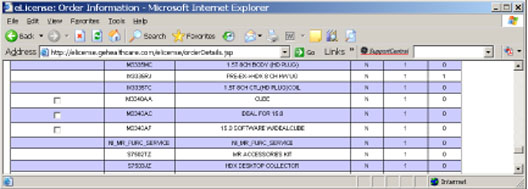
- Enter the New/Upgrade Order Number (recorded in a previous step).There should be additional options noted as shown below.
Figure 1. Additional options
- Click on the new options and click Generate Licenses.