- id_2004043
- Version: 2.1
- Date: Jul 5, 2019 7:48:58 AM
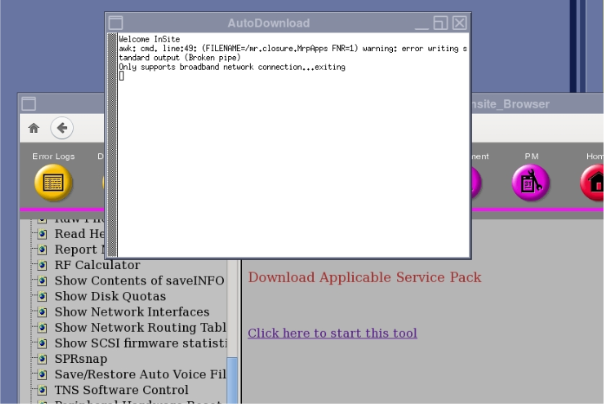
Manually checking for download availability
Use the Common Service Desktop to manually check for download availability.
On the Common Service Desktop, click . If software updates are available and the site is InSite connected, the update will download.
Figure 1. Download availability