Most service functionality, including software updates and patches, can be completed with operator-level privileges. Because logging on as a super user allows you to make changes that can do irreparable damage to the system, do not log in as root unless necessary.
Note: During some startups or restarts, the system may seem to have stalled. The system startup process can take an extended period of time. Give the system at least 30 minutes before calling the GE Online Center.
Procedure
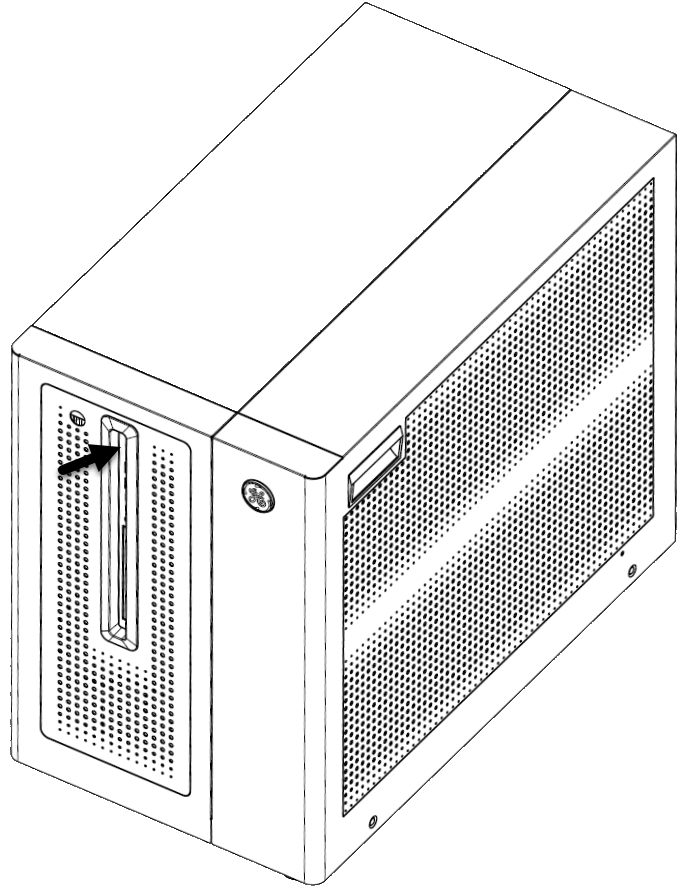
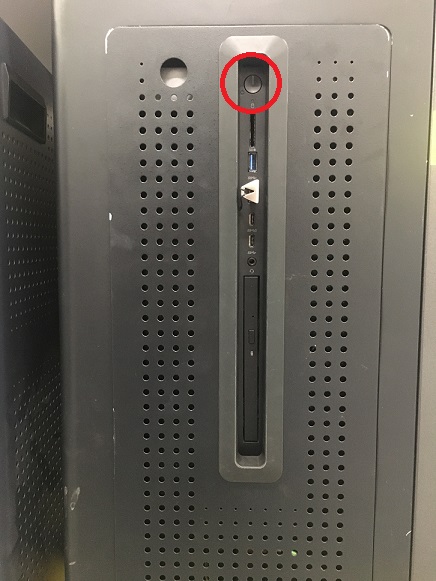
To power on the system, press the power button on the host computer.
Figure 1. Power button
Note: As the host computer starts up, the Linux operating system launches. A welcome screen displays with a login prompt.
Log in with an EA3 user name and password.
Note: It is possible that the customer changed the default password. If you cannot log in, contact the customer for the correct password.
Result
Logging on as an operator brings up the applications desktop. A window appears that displays the message:
Please do not interact with the system until this message disappears.