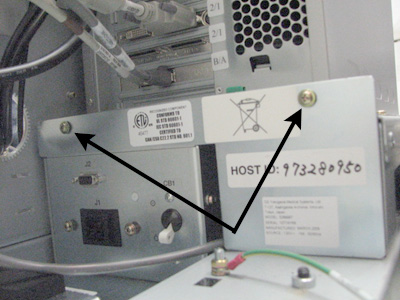
- 00000018WIA30DED030GYZ
- id_123736971.2
- Jul 5, 2019 10:03:32 PM
GOC Power Distribution Supply Replacement
Prerequisites
| Required persons | Preliminary requirements | Procedure | Finalization |
|---|---|---|---|
| 1 | Not Applicable | 45 minutes | 30 minutes |
| Item | Quantity | Effectivity | Part number | Manufacturer |
|---|---|---|---|---|
| Standard and Phillips Screwdrivers and Pliers | 1 each | - | - | - |
| Item | Quantity | Effectivity | Part number | Manufacturer |
|---|---|---|---|---|
| Global Operating Console PDU | 1 | - |
5262750 | - |
| ||||

| Condition | Reference | Effectivity |
|---|---|---|
|
The host computer and GOCAA must be powered off as described below. | - | - |
Powering Off Host and GOCAA
Shut Down Software
Procedure
Remove Power to Operator Workspace
Procedure
- Host circuit breakers are located on the front of the PDU.
Figure 1. Location of PDU Host/PC Breakers 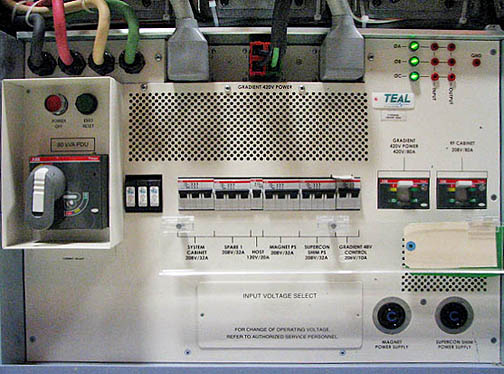
Move the host circuit breaker down to disconnect power.
Figure 2. Host Breaker 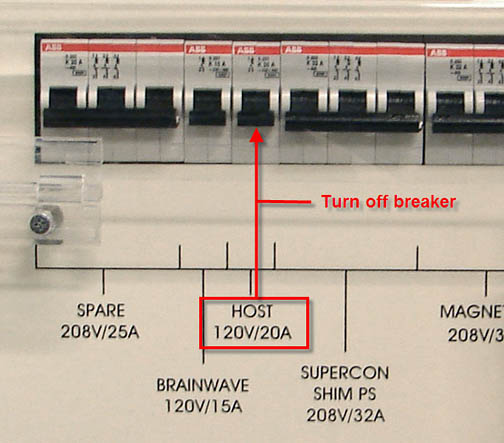
GOC Power Distribution Supply Replacement
Procedure
- Remove the screws that secure the left and right side panels
of the GOC.
Figure 3. GOC Left Panel 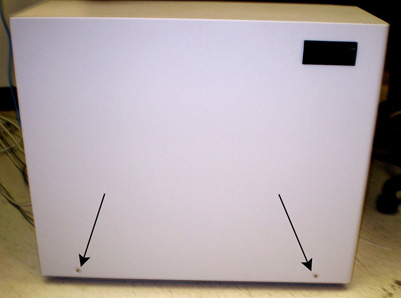
Figure 4. GOC Right Panel 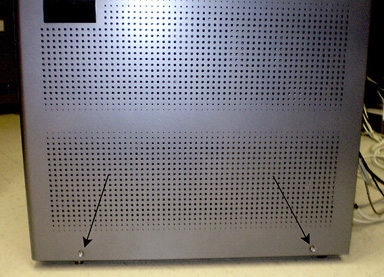
- Disconnect the ground leads from both side panels.
Figure 5. Left Side Panel Ground Lead 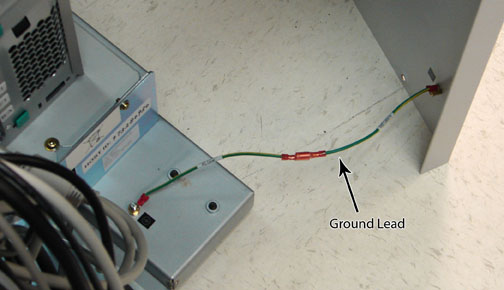
Figure 6. Right Side Panel Ground Lead 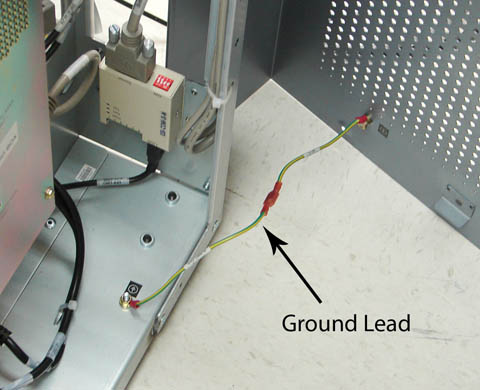
- Remove Strain Relief Plate (shown below) from the power cable.
Figure 7. Strain Relief Plate 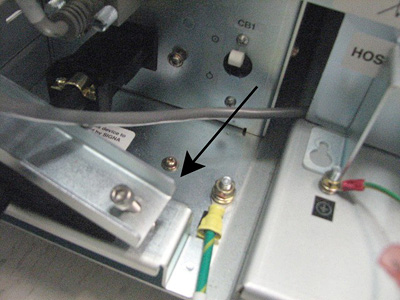
- Disconnect the power cable and connector from the GOC power
distribution supply, and remove the retaining screw from the plate.
Figure 8. Power Cable and Connector 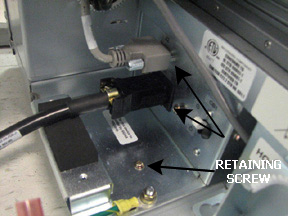
- Remove two screws from the side of the GOC power distribution
supply, and disconnect the AC power cables from the PDU.
Figure 9. Disconnecting AC Cables 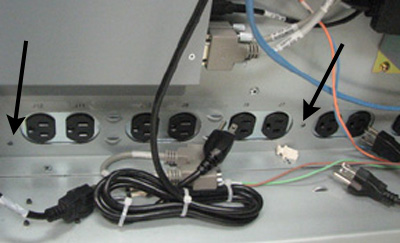
- Remove the two screws at the top of the plate, and lift the
plate up to remove.
Figure 10. Removing Screws and Plate