- id_2011694
- Version: 4.0
- Date: Jul 10, 2019 4:10:40 PM
Logging on and off
Use this procedure to log on and off the system.
Procedure
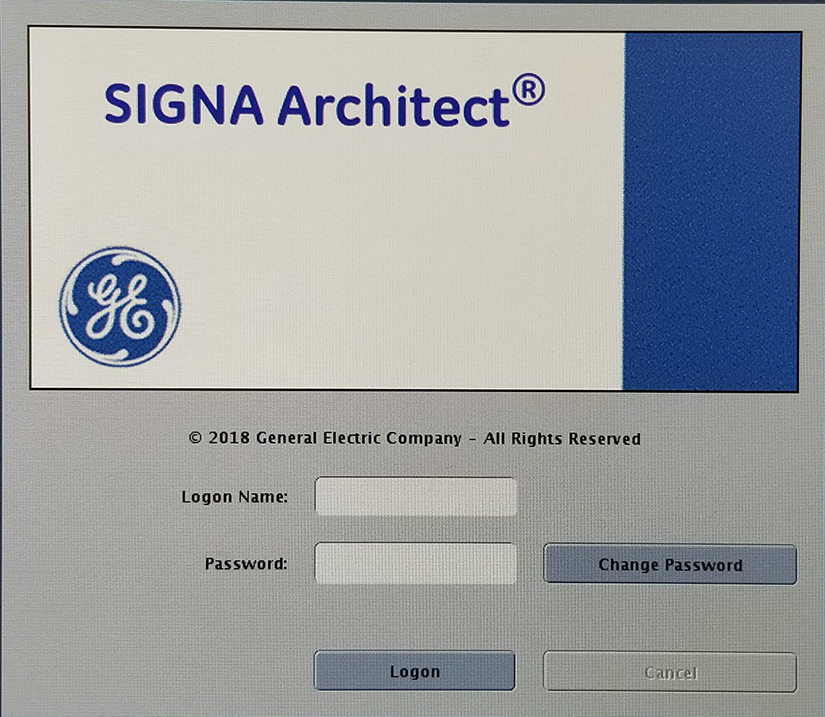
- Log on to the system.
Figure 1. Logon screen
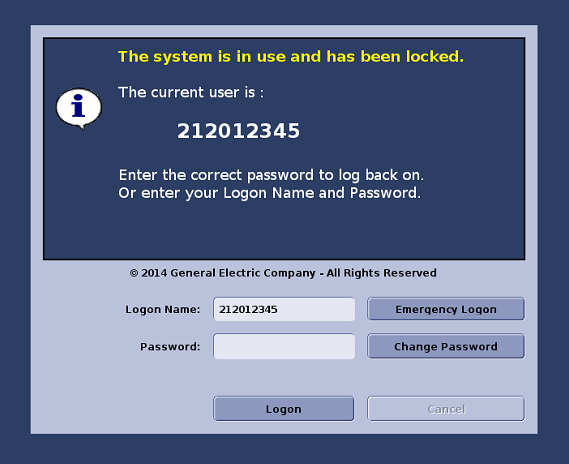
- If the system is idle for too long, or the last user did not log off, a dialog appears indicating the system is in use and has been locked. Change the Logon Name field to either your Enterprise User ID (if the enterprise ID is set up) or your Local User ID (if the enterprise ID is not set up).
Figure 2. Time out logon screen
- Enter the password and click Logon.
- Click the Service Desktop Manager tab.note: SSH connections use sdc system account and password or public key authentication.
Figure 3. Lock screen
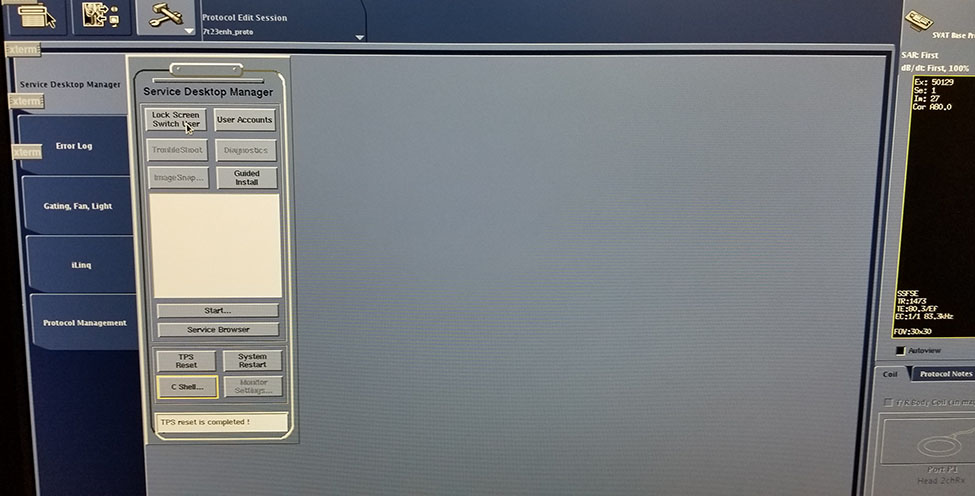
- Click Lock Screen Switch User to log off.