- id_2012155
- Version: 4.0
- Date: Jul 10, 2019 4:10:39 PM
Configuring local users
Configure the local users settings.
Procedure
- Click the Local Users tab.
Figure 1. Local Users window
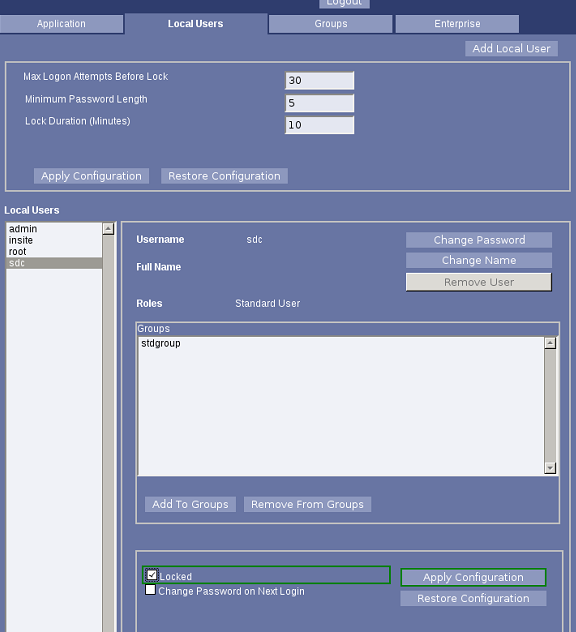
- In the Local Users pane, select sdc.
- Select Locked.
- Click Apply Configuration.
- Close the service browser.
- Restart the system.
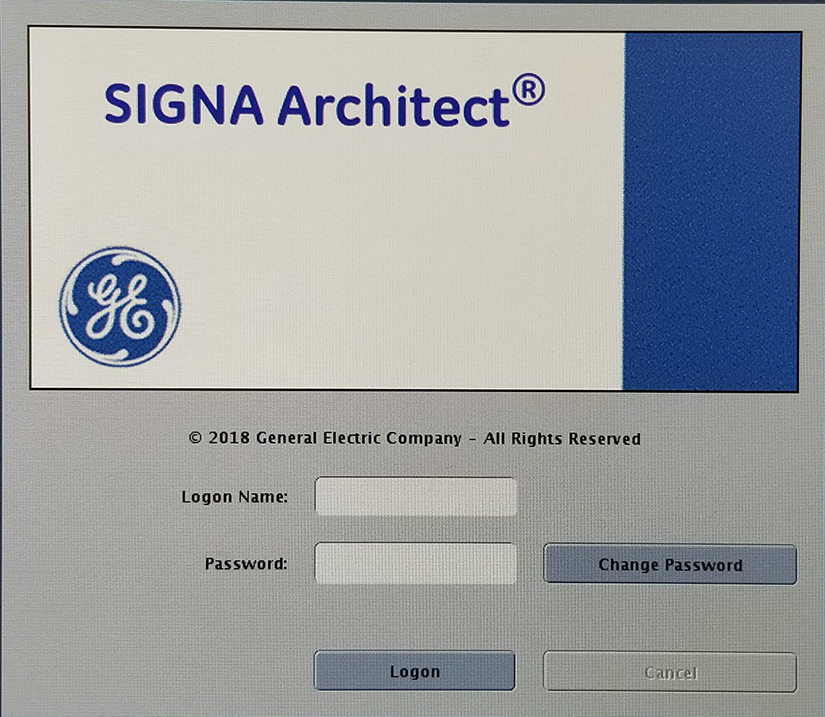
- Log on to the system.
Figure 2. Logon screen