- id_2002113
- Version: 10.0
- Date: Feb 14, 2020 4:04:02 PM
Setting up grafidy hardware
Procedure
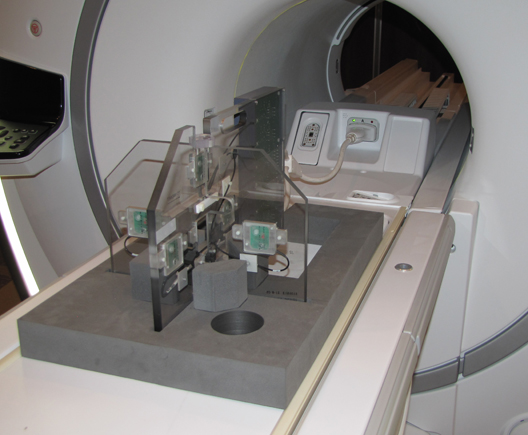
- Unfold the six-channel Grafidy fixture and lock the arms into place (90° from center plate).note: Make sure the six-channel Grafidy fixture is firmly pushed into the slit of foam support without any gap.
- Connect the P-port cable to the T/R board and secure with screws. Place the fixture at the front of the table with the connection box toward the bore.
- Connect the P-port connector to port P2. (The Green Coil ID light will come on.)
Figure 1. Grafidy hardware setup for table
- Center the laser cross hairs on top of the fixture.
- Landmark the system and press Advance to Scan.