- id_2004576
- Version: 5.0
- Date: Jul 19, 2019 10:55:16 AM
Checking for InSite connectivity using Auto Checkout
 |
|
note: The AUTO CHECKOUT option can only be used if a checkout was successful. If the site has completed a checkout using the CHECKOUT NOW button at some previous time, an /export/home/insite/sclink.cfg file is present. If the site has not done InSite checkout earlier, please perform the InSite checkout using the Executing InSite/IIP checkout procedure.
Procedure
- On the InSite Checkout tab, click AUTO CHECKOUT to begin the verification process.
Figure 1. Auto checkout
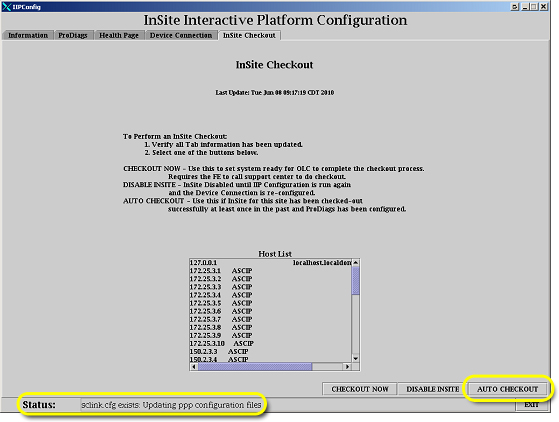 The status bar indicates the status of the verification process. An Auto Checkout Cancel dialogue displays while the process is running.
Figure 2. Auto checkout cancel box
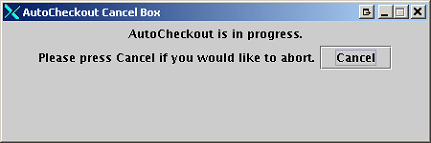
- Allow the system to run until the box disappears.When AUTO CHECKOUT is complete, the status bar displays the message InSite Dial out check completed successfully.