- SIGNA MR355 / SIGNA MR360
- Service Manual
- 5856356-3EN Revision 5.0
- Basic Service Documentation. Copyright General Electric Company.
- 00000018WIA30D5B950GYZ
- id_20260152.0
- Feb 21, 2021 9:01:02 PM
Accessing the EA3 admin utility
Accessing the EA3 admin utility.
Prerequisites
| Safety |
|---|
|
Before working in any GE Healthcare MR suite or performing any GE Healthcare service procedure, you must:
If you have any safety concerns at any time, do not begin work or immediately stop work and move to a safe location. Immediately contact your supervisor or site safety officer for instructions on how to proceed. |
Procedure
- Select .
Figure 1. Logon 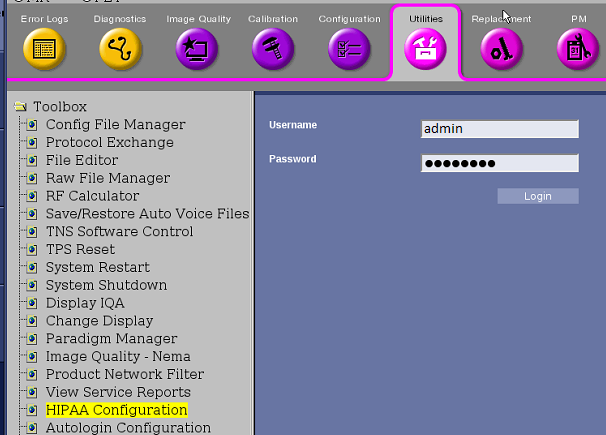
Alternate procedure to access EA3 Admin Utility
Procedure
- Click the Tools screen icon.

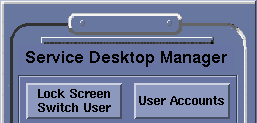
- Click User Accounts on the Service Desktop Manager.