- 00000018WIA30997110GYZ
- id_20040433.0
- Feb 24, 2021 2:43:51 AM
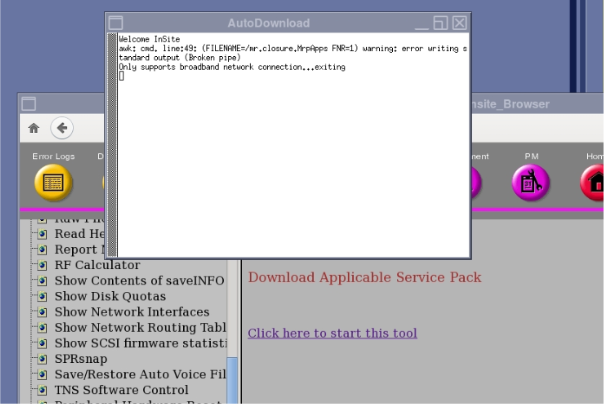
Manually checking for download availability
Use the Common Service Desktop to manually check for download availability.
On the Common Service Desktop, click . If software updates are available and the site is InSite connected, the update will download.