
- SIGNA™ Hero 3.0T Service Methods
- 5852800-8EN Revision 1.0
- 00000018WHA30B89BGYZ
- id_20021098.23
- Aug 17, 2021 3:10:00 PM
Setting up for HOEC calibration scan
Setting up for HOEC calibration scan for PX29.0 or later
About this task
Procedure
- Set up the LVshim center sphere in the middle of the table on the Universal Phantom Pad.
- Put the sphere on the pad with the strap (in the groove) in the orientation shown below.
Figure 1. Placing the LVShim phantom on the patient table Note: This image is a representative example. Actual systems may vary.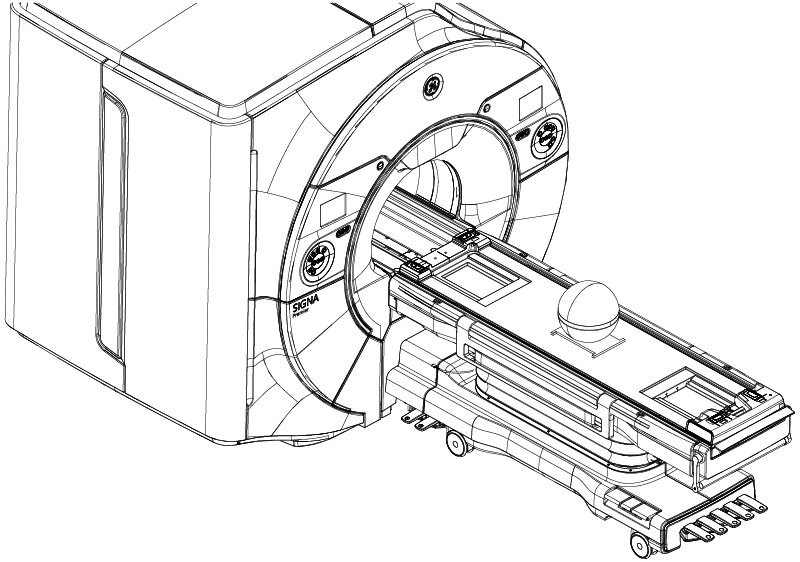
- Put the sphere on the pad with the strap (in the groove) in the orientation shown below.