- Discovery MR750w and SIGNA™ Architect T 3.0T System Service Methods
- 5690002-2EN Revision 4
- 00000018WIA306EA940GYZ
- id_20160213.4
- Dec 8, 2021 8:38:57 PM
Checking InSite Remote Service Platform (RSvP) connectivity and ProDiags functionality
Make sure the Remote Service Platform (RSvP) has connectivity and ProDiags is functioning properly.
Procedure
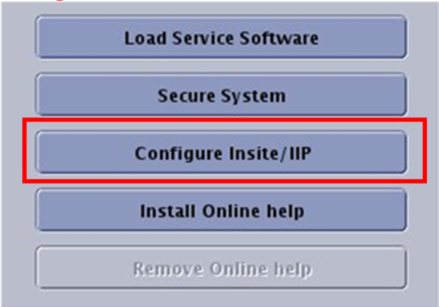
- Navigate to Service SW Insite and click Configure Insite/IIP.
Figure 1. Service SW Insite