- SIGNA MR355 / SIGNA MR360
- Service Manual
- 5856356-3EN Revision 5.0
- Basic Service Documentation. Copyright General Electric Company.
- 00000018WGA3029GYZ
- id_20005087.0
- Feb 21, 2021 9:00:49 PM
Managing SSA service licenses
About this task
The system language must be decided before obtaining the service license ID. If the language is changed on the system, it will also change the 16-digit service license ID assigned to the system and cause the existing license to fail.
Procedure
- Use one of the following methods to access the Service License GUI.
- From the operator console, click the drop-down menu on the Tools icon.
Figure 1. Tools icon drop-down menu 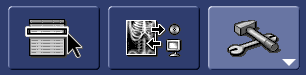
- Double-click the key icon on the bottom right corner of the Tools Desktop.
- Login as root during system boot up.
- From the operator console, click the drop-down menu on the Tools icon.
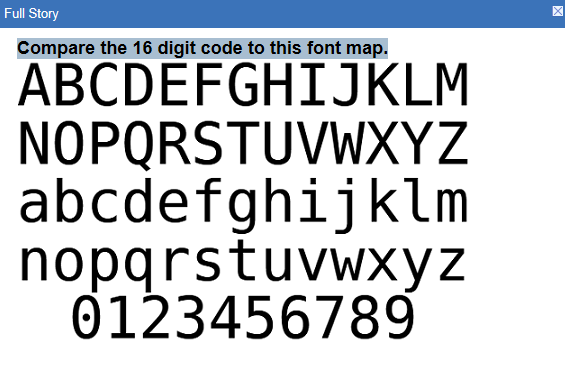
- Select Install Service License. The service license information window displays the service license ID.Note: The numerical character for zero is a circle with a dot in the center (⊙). Be careful when recording your service license ID because zeros can be mistaken for the letter O, and vice versa. The uppercase letter O and the lowercase letter o do not have a dot in the middle.
Figure 2. Service License page 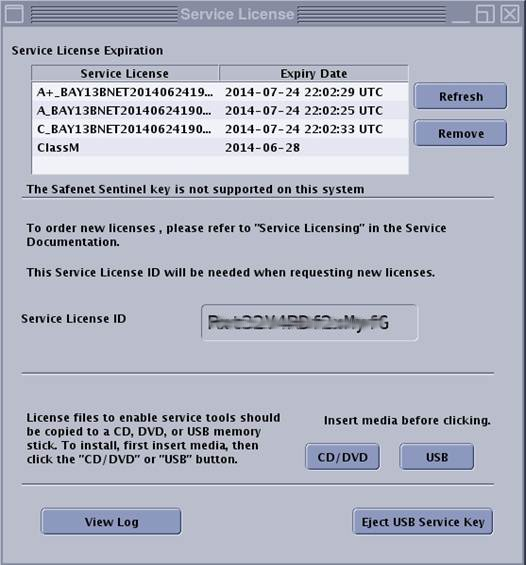 This example displays each level of service class license. Only the service license level available for a given system will display in that system’s window.
 - While noting down the service license ID, refer to the font chart below and note the difference between the number 0, letter o and letter O.
Figure 3. SSA fonts