
- SIGNA MR355 / SIGNA MR360
- Service Manual
- 5856356-3EN Revision 5.0
- Basic Service Documentation. Copyright General Electric Company.
- 00000018WHA166070GYZ
- concept_dyk_g4t_flb1.3
- Jun 3, 2020 1:03:01 PM
View and manage data in the IPM content area
Learn how to view and manage data in the IPM content area.
To navigate in the content area, view or select the desired control for the type of content:
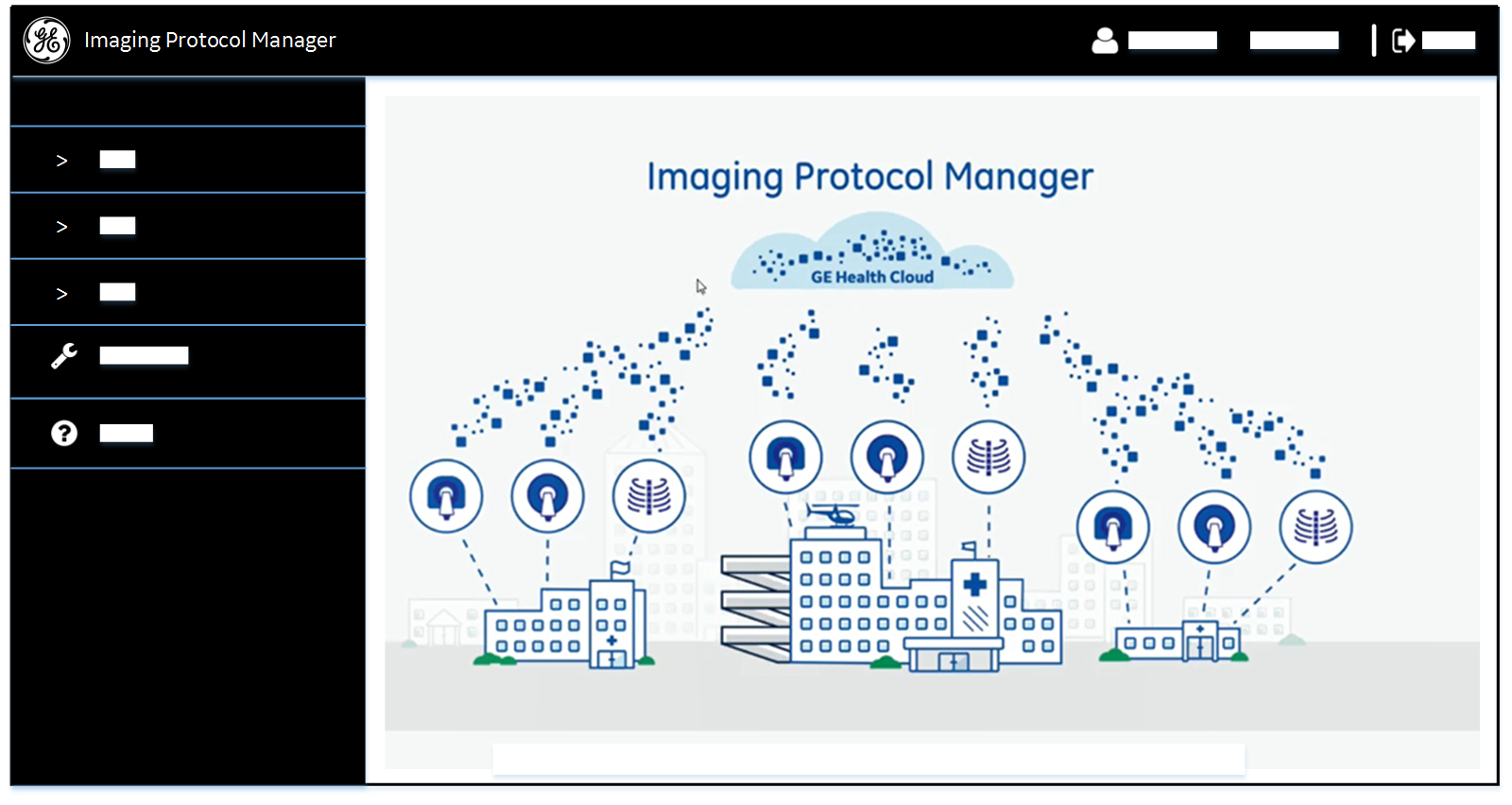
- Home page
- This page is displayed when you sign in to .
- Data pages
- These pages display data about the selected Modality or Settings menu and filters.
Data pages typically have additional menus, tabs, and bars you will use to navigate and act on data. Not all data pages contain all of these controls.
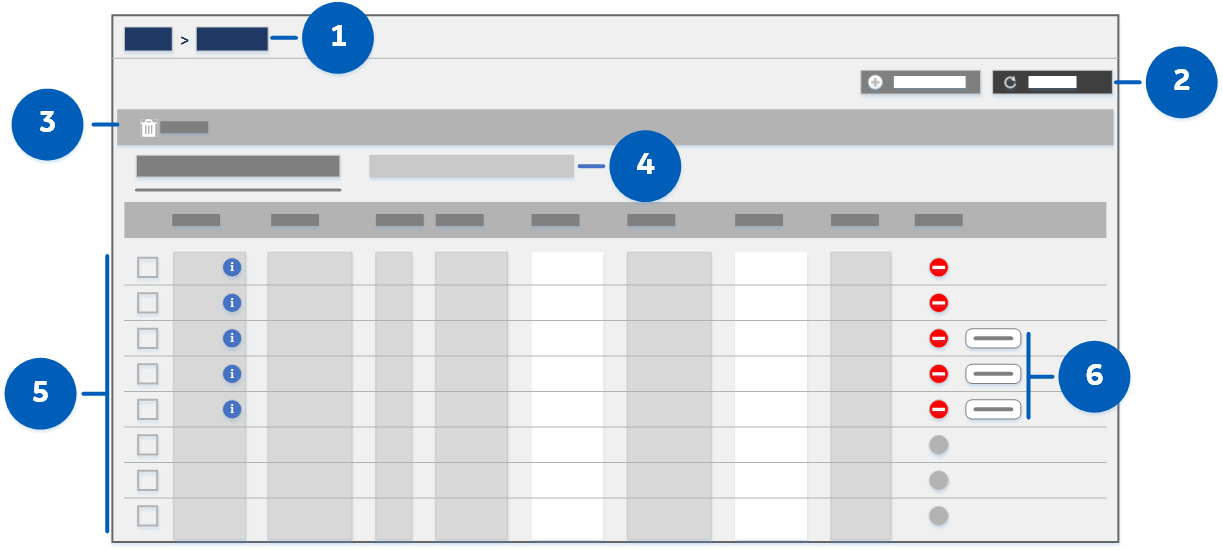
 Navigation bar
- View to identify the current menu and filters (your current location in the UI). Click a link to return to that UI area.
 Toolbar
- Click a button to perform the specified action for the entire page.
 Action bar
- Click a button to perform the specified action on selected data. Buttons on this bar are enabled when their action is relevant to the displayed data. For example, you must select data before the Delete button is enabled.
 Tab bar
- Click to display the specified data within the current filter.
 Data table
- View modality, settings, or help information.
 Action panel
- Click to reconfirm your selection and perform the specified action on it. Buttons in this panel are enabled when their action is relevant to the currently selected data. For example, you must enter text or select a setting before a Save button is enabled.
- Information pages
- These pages display data about the selected Help menu option.
- FAQ
- View answers to frequently asked questions about .
- User manual
- Launch the IPM User Manual in WebHelp format in a separate browser tab.
- About
- Display a pop-up window with version information about this release of .