- 00000018WIA3032D630GYZ
- id_20117255.0
- Mar 23, 2020 4:59:41 PM
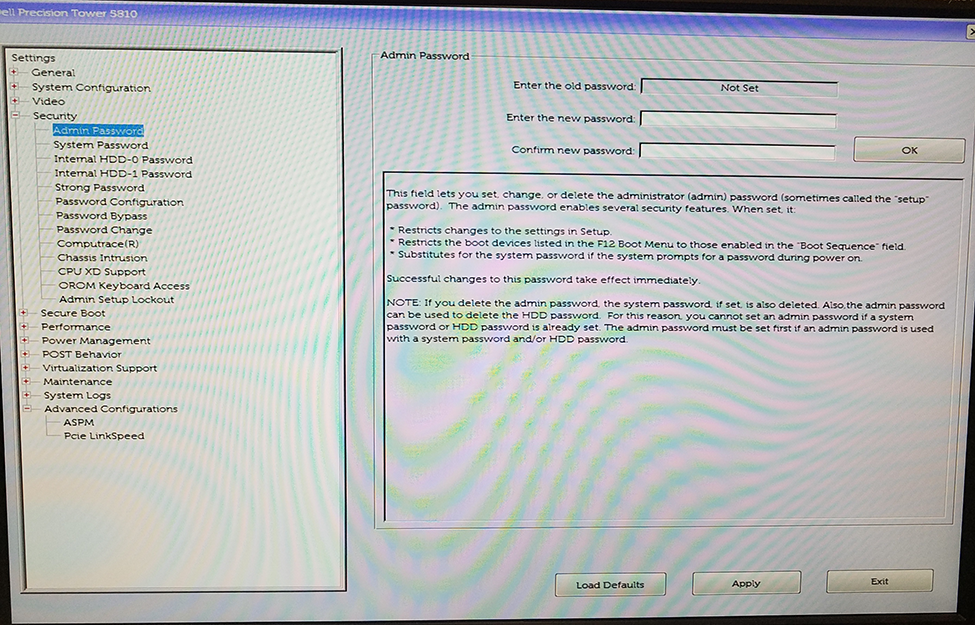
Changing the BIOS password - admin password known - Dell T5810/T5820
Change an existing admin password when the previous password is known.
Prerequisites
| Personnel requirements | |||
|---|---|---|---|
| Required persons | Preliminary requirements | Procedure | Finalization |
| 1 | - | 5 minutes | - |
Procedure
- In the Settings pane, expand the Security menu.
Figure 1. Password setup screen