Discovery MR750w and SIGNA™ Architect T 3.0T System Service Methods
5690002-2EN
Revision
4
Object ID: 00000018WHA30ED62GYZ
Topic ID: id_2001468 Version: 20.9
Date: Oct 21, 2021 11:45:41 PM
Starting up the host computer
How to start the host computer.
About this task
Most service functionality, including software updates and patches, can be completed with operator-level privileges. Because logging on as a super user allows you to make changes that can do irreparable damage to the system, do not log in as root unless necessary.
Note: During some startups or restarts, the system may seem to have stalled. The system startup process can take an extended period of time. Give the system at least 30 minutes before calling the GE Online Center.
Procedure
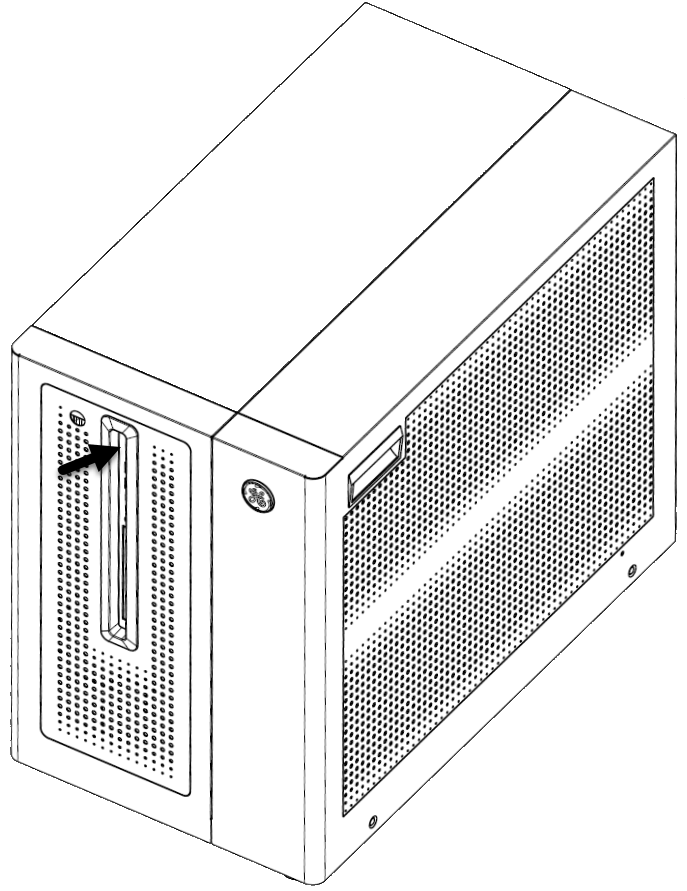
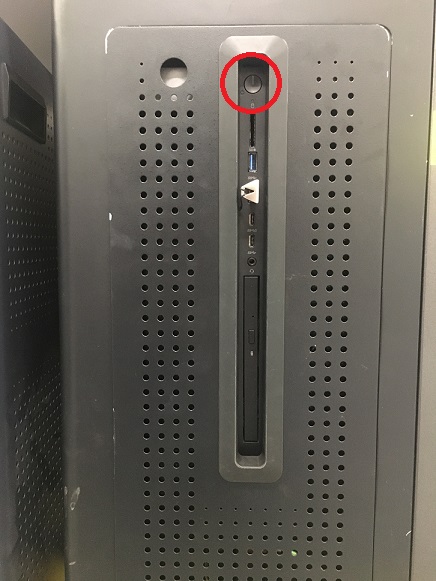
To power on the system, press the power button on the host computer.
Figure 1. Power button
(For Dell T5810 only) Before entering the OS, press F2. The display will show the BIOS setting GUI.
Select Power Management section > AC Recovery > Power On.
Click Apply.
Click Exit.
Note: As the host computer starts up, the Linux operating system launches. A welcome screen displays with a login prompt.
Log in with an appropriate user name and password based on the system software version.
Note: It is possible that the customer changed the default password. If you cannot log in, contact the customer for the correct password.
Result
Logging on as an operator brings up the applications desktop. A window appears that displays the message:
Please do not interact with the system until this message disappears.