• Discovery MR750 3.0T System Service Methods
  • 5690009-2EN Revision 4
  • Object ID: 00000018WIA30A15730GYZ
  • Topic ID: id_2012155 Version: 5.3
  • Date: Dec 31, 2021 7:26:32 PM

Creating local users

Configure the local users settings.

Procedure

  1. Access the EA3 admin utility, see Accessing the EA3 admin utility.
  2. Click the Local Users tab.
    Figure 1. Local Users window
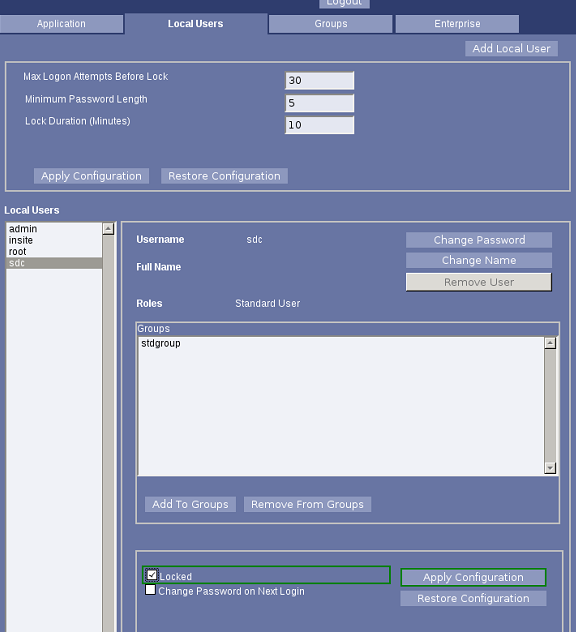
  3. Click Add Local User to add new users.
  4. Select Change Password on Next Login to let the users set their password on their next logon.
  5. Select Locked if you disable a user account.
  6. Click Apply Configuration.
  7. Close the service browser.
  8. Restart the system.
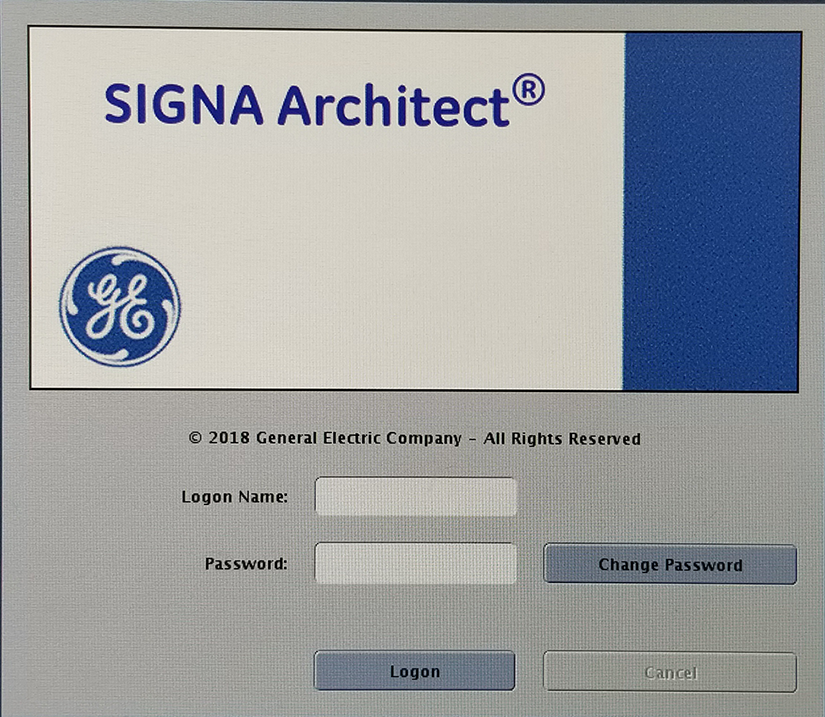
  9. Log on to the system.
    Figure 2. Logon screen