Discovery MR750w and SIGNA™ Architect T 3.0T System Service Methods
5690002-2EN
Revision
4
Object ID: 00000018WIA30E48730GYZ
Topic ID: task_cjh_bh1_qfb Version: 5.0
Date: Feb 24, 2021 12:58:17 AM
Removing LOTO - RF Subsystem and/or PEN Cabinet
Procedure
Alert necessary personnel that power is being restored.
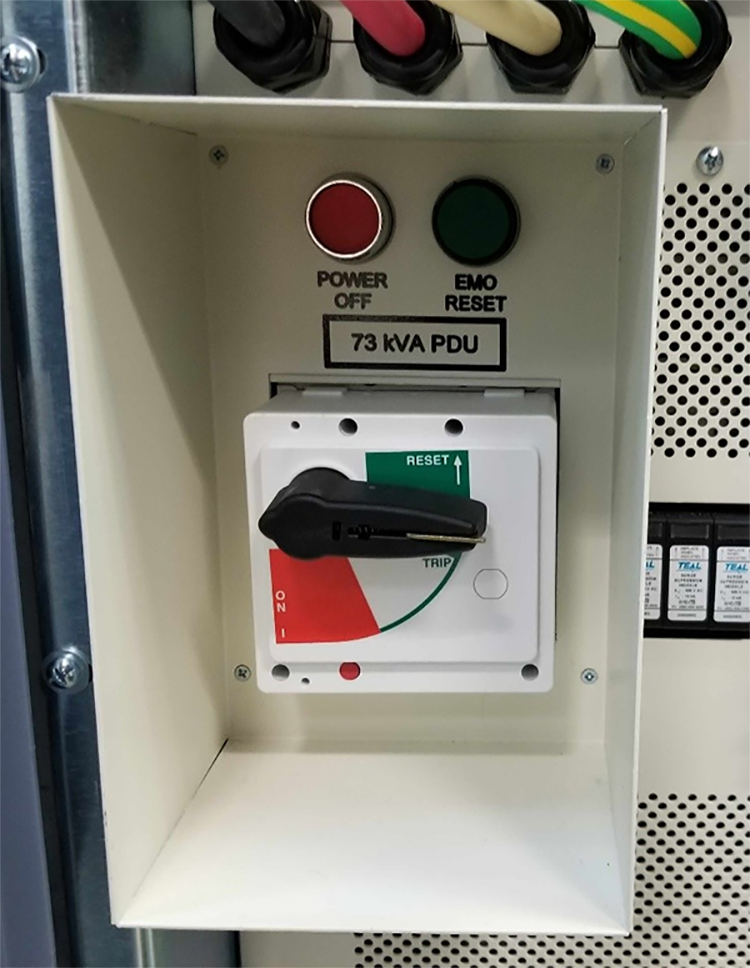
Remove the personal LOTO device(s) from the front panel of the PDU.
Remove LOTO for the RF amplifier and PEN cabinet as follows:
To remove LOTO for the RF amplifier: At the PDU front panel, flip the PDM-RF (or RF+MNS) circuit breaker to the ON (UP) position. Flip the circuit breaker on the bottom of the RF amplifier to the ON position.
To remove LOTO for the PEN cabinet: At the PDU front panel, flip the PDM-RF (or PEN Cabinet) circuit breaker to the ON (UP) position.
Note: You may need to perform an EMO Reset if the RF amplifier LEDs do not come on. To perform an EMO Reset, press the EMO RESET switch on the PDU.