- 00000018WHA30CB62GYZ
- id_20014345.0
- Oct 9, 2019 5:26:19 PM
Calibrating transmit/receive dynamic disable
Calibrates the open circuit fault detection levels of the dynamic disable drivers in the driver module. Perform this procedure after system installation, driver module replacement, body coil replacement, body hybrid replacement, or replacement of cabling between any of the previously listed devices.
Prerequisites
| Personnel requirements | |||
|---|---|---|---|
| Required persons | Preliminary requirements | Procedure | Finalization |
| 1 | - | 3 minutes | 30 minutes |
About this task
Procedure
- (For non-proprietary mode)
- On the Common Service Desktop, select .
Result
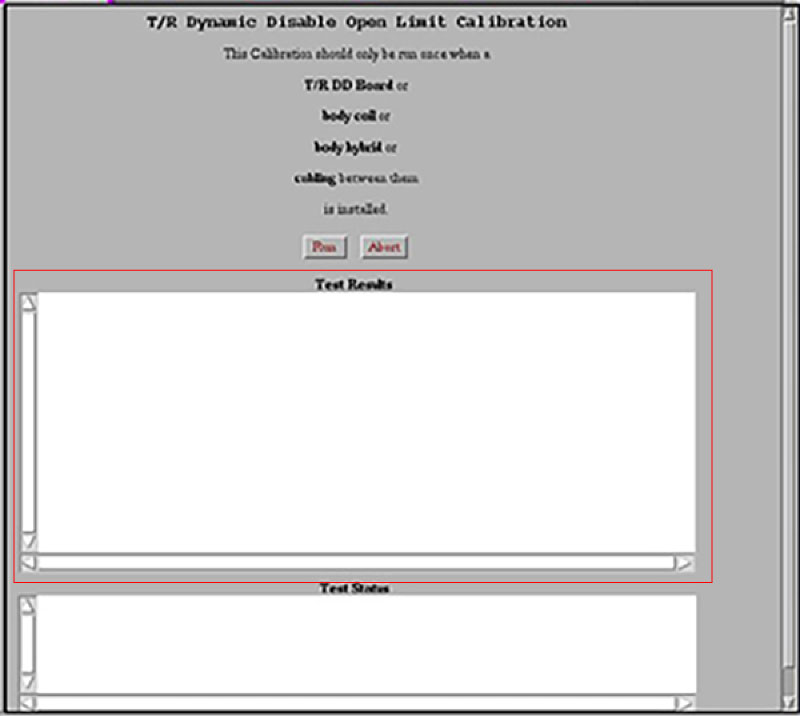
When the calibration is complete, the results will be displayed in the test results text area (see figure below).Figure 1. Test results window