
- Object ID: 00000018WIA30D3C950GYZ
- Topic ID: id_2026181 Version: 2.0
- Date: Feb 21, 2021 9:04:12 PM
Setting up customer accounts and passwords (OS & EA3)
Procedure
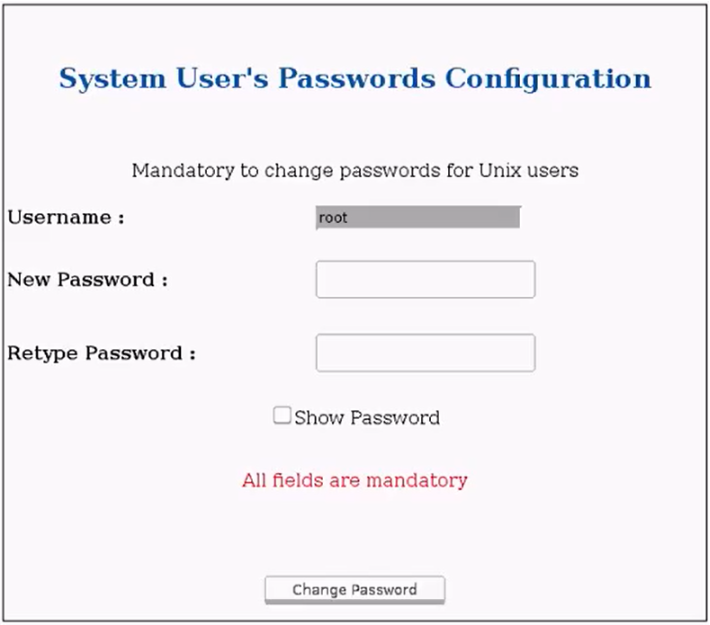
- The OS password reset screen comes up when the system boots.
- Work with your customer admin or lead technician to set up all the OS accounts (root, insite, and sdc) and passwords.
- See MR customer password management process for software 29.1 and later for rules related to setting up passwords.
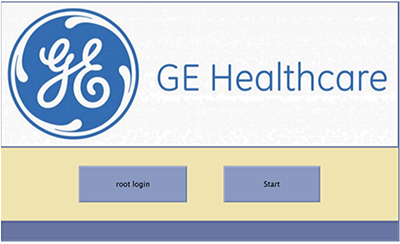
- Click Start to log in to applications.
Note: The sdc user no longer exists by default. - Have the customer admin or lead technician log in with the admin user. The default password is operator.
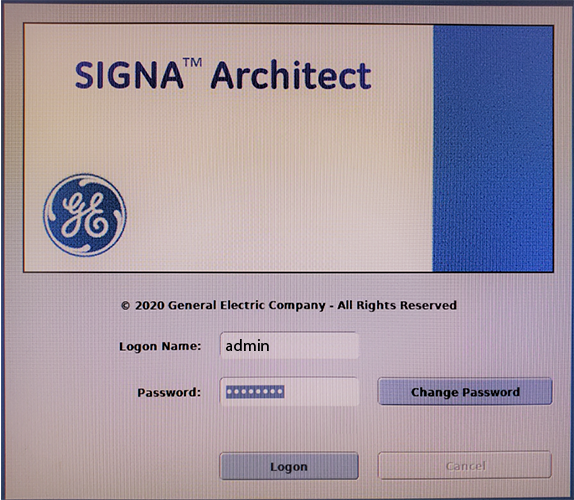
- A password change will be forced and the customer admin/lead technician will need to set up an admin password for the system. The software default password for admin user is operator.
- Log on with the new credentials.
- Have the customer admin or lead technician set up the rest of the user accounts for rest of the users.
- The admin can choose to either set up local users or enable enterprise authentication (if available in the facility).
- The admin would also need to configure role-based access for the users.
- A detailed procedure for this is provided to the customer in the MR Privacy and Security manual, see Configure user accounts for Role Based access controls.
- Perform a save info to back up all the configuration/calibration files as well as the user settings that were just applied in previous steps.