- Topic ID: id_23553956
- Version: 2.0
- Date: Sep 26, 2020 10:10:36 PM
C-RAD Gating Device Option Install
Prerequisites
Overview
This procedure applies to the How to use the C-RAD option.
1 Pre-requisite
Procedure
- C-RAD positioning AB will be installed by vendor.
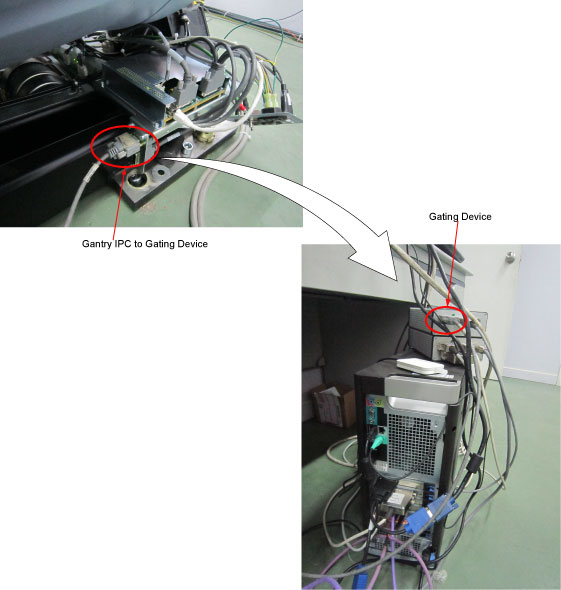
- GE engineer will connect the cable from Gantry IPC to Gating
Device.
- If site need install the Samba, please refer to Samba Installation Procedure.
- Select the configuration on the c4D Sentinel Standalone Config
Tool.
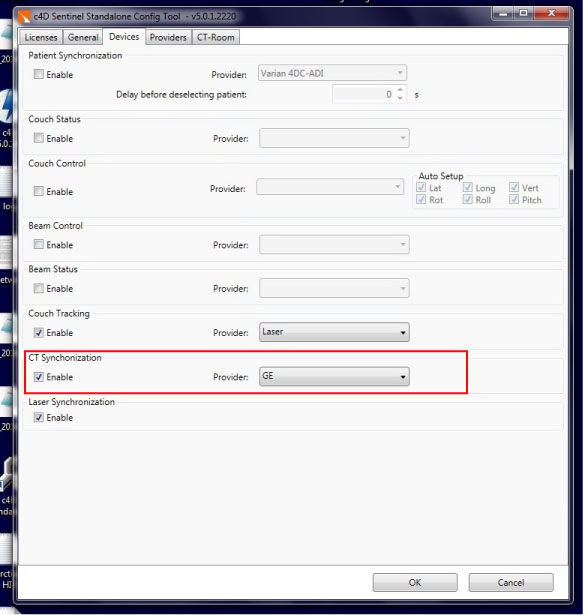
- Click Devices tab from the c4D Sentinel
Standalone Config Tool, select GE from the pull-down
list.
- Click CT-Room tab from the c4D Sentinel
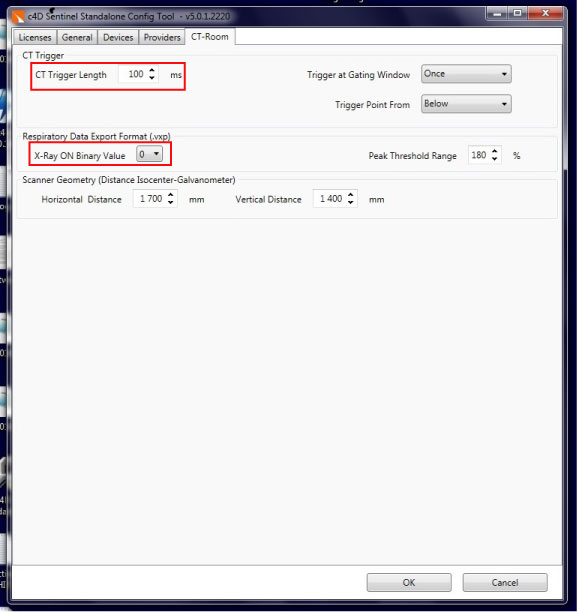
Standalone Config Tool
-
CT Trigger Length is set to value of 100 ms under the CT Trigger menu;
-
X-Ray ON Binary Value is set to a value of 0 under the Respiratory Data Export Format menu.
-
- Click Devices tab from the c4D Sentinel
Standalone Config Tool, select GE from the pull-down
list.
2 Instruction for Sentinel c4D
Procedure
- Start computer and scanner (green button on scanner) and check that gating box and laser tracking box is ON (green led).
- Login on computer with user “Admin” password “admin” wait for windows to start-up.
- Click on the c4D Standalone icon on the
desktop.
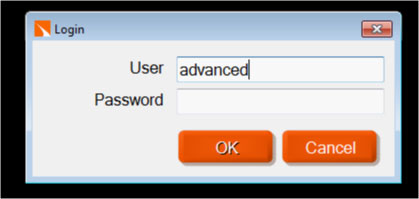
- Login with clinical no password
- Click on 4DCT

- Select new patient

- Press Scan

- When scan finished press Next
- Wait for couch laser tracking to find target (red laser dot) or press Cancel and move the laser manually with the arrows to find the target.
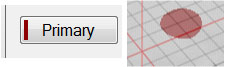
- Press Primary and place the red monitor
point, with the mouse, on the moving breathing surface of patient
or phantom.
- Press Scan to start scanning.
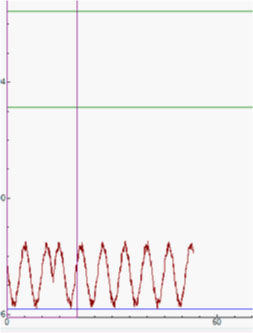
- Wait for 20 sec then the green gating window line are shown,
move the gating window down so the breathing curve is entering the
gating window, see below:
- Wait for 20 sec, Move the gating window as shown below:
- After 20 sec, Move the gating window as shown below:
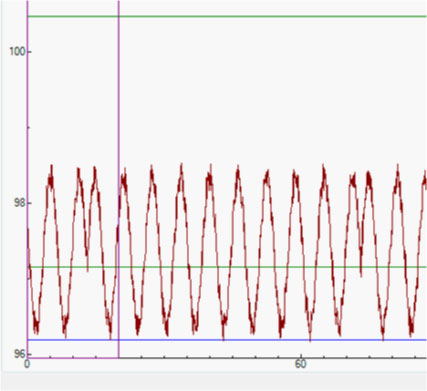
- Wait for 20 sec, Move the gating window as shown below:
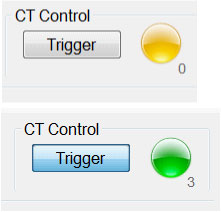
- Now start sending triggers to CT press Trigger when green triggers are sent. Press Trigger again to stop triggering if necessary.
- Press Abort to stop scan. Once the CT scan stops, stop recording the breathing waveform by press the send data button and save the motion file.
note:
The next step is only for Prospective Gating Mode.