
- SIGNA™ Hero 3.0T Service Methods
- 5852800-8EN Revision 1.0
- 00000018WIA3050B650GYZ
- id_20251421.4
- Jul 6, 2020 4:31:23 PM
Viewing or deleting a certificate
View or delete a certificate.
Procedure
- To view a certificate in more detail:
- Click the view (binoculars) icon.
Figure 1. View certificate 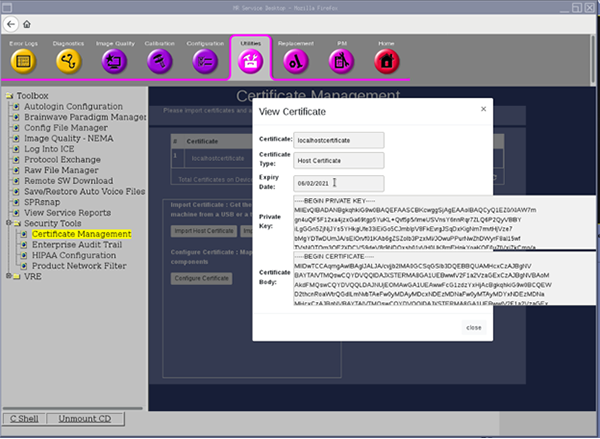
- Click the view (binoculars) icon.
- To delete a certificate:
- Click the trash (trash can) icon.
Figure 2. Delete certificate 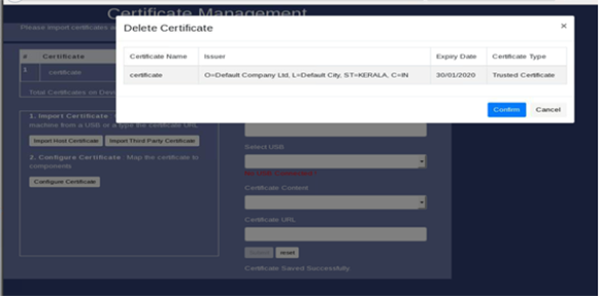
- If you attempt to delete the certificate while it is associated with some applications (EAT, EA3, or DICOM) the following error message displays.
Figure 3. Deletion error message 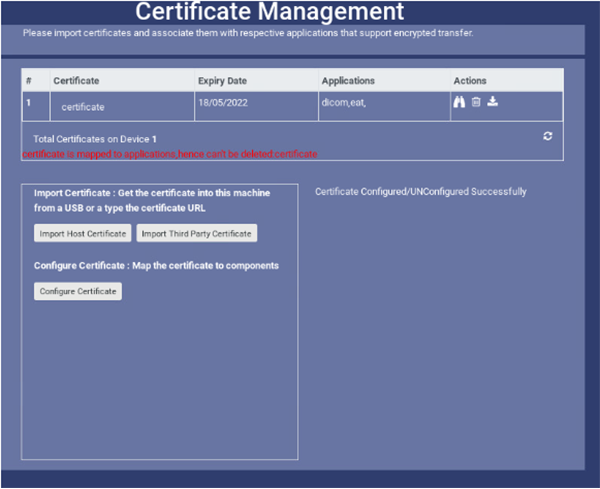
- Clear the application from the certificate (eat, ea3, or dicom).
Figure 4. Certificate and DICOM information 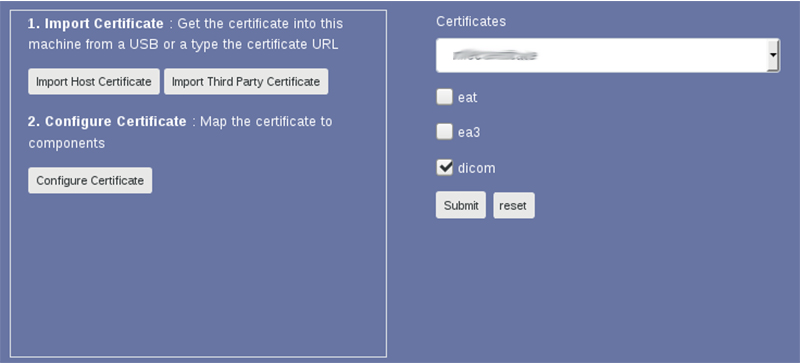
- Click the trash (trash can) icon.