- SIGNA™ Hero 3.0T Service Methods
- 5852800-8EN Revision 1.0
- 00000018WIA30F7D010GYZ
- id_20029944.7
- Oct 1, 2021 2:20:59 PM
Installing the magnet left-hand upper rear cover
Installs the upper cover onto the left-hand rear corner of the magnet.
Prerequisites
| Personnel requirements | |||
|---|---|---|---|
| Required persons | Preliminary requirements | Procedure | Finalization |
| 1 | - | 15 minutes | - |
| Tools and test equipment | |||
|---|---|---|---|
| Item | Quantity | Part number | Manufacturer |
| Nonmagnetic Titanium Service Tool Kit, Small Set | 1 | 5113258 | - |
About this task
Procedure
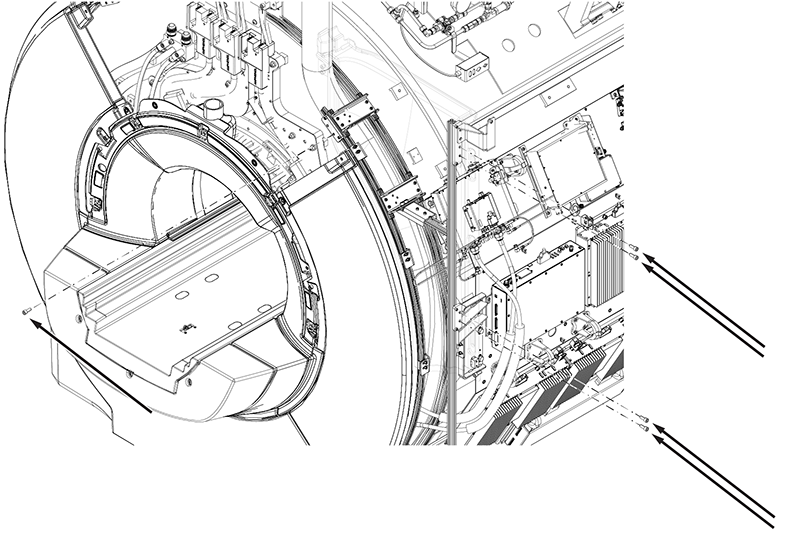
- Install five
M10 x 25 Socket Head Cap Screws securing the cover to the magnet.
Figure 1. Left-hand upper rear cover screws