
- SIGNA™ Hero 3.0T Service Methods
- 5852800-8EN Revision 1.0
- 00000018WIA302A6360GYZ
- id_20305012.0
- Feb 21, 2021 9:00:45 PM
Changing the MGD/TPS subnet address
About this task
The following procedure will change the default MGD/TPS subnet address in case of a conflict with the local site network
Procedure
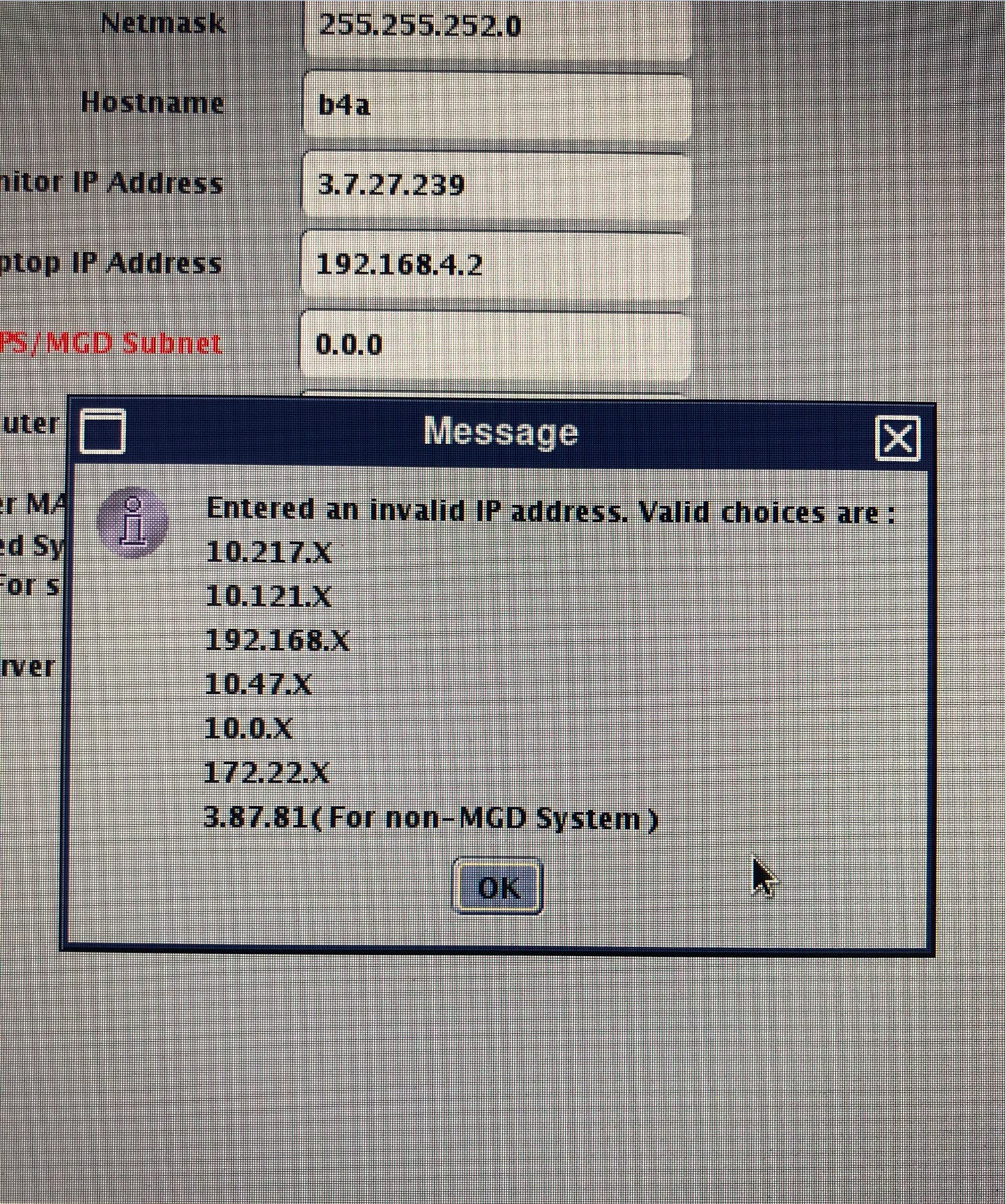
- Locate MGD/TPS subnet address and type in an invalid IP like 0.0.0 and press enter. This will open an error message pop up window noting that the IP address is invalid and displaying the available valid options. Note: The following example is for software version 29.0.
- After successful re-configuration of the ICN check the ICN BMC IP and confirm the new subnet address is used in the ICN’s assigned IP.
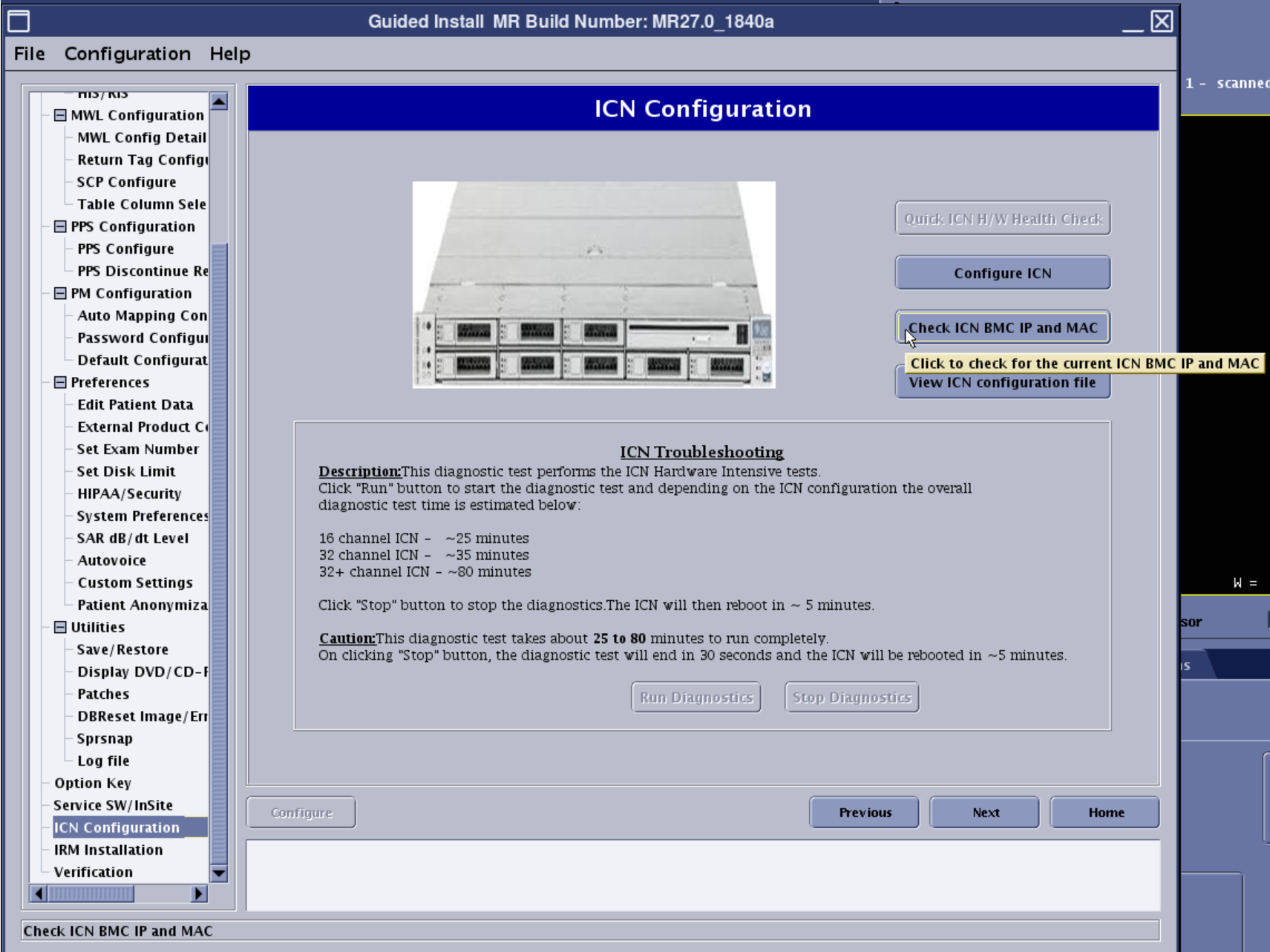 Note: If 10.0.1 is setup as the new MGD/TPS subnet address, then the ICN BMC IP should be 10.0.1.50.