
- SIGNA™ Hero 3.0T Service Methods
- 5852800-8EN Revision 1.0
- 00000018WIA30D42A50GYZ
- id_20262802.4
- Nov 17, 2021 11:07:58 AM
Security levels for software 29.0 and later
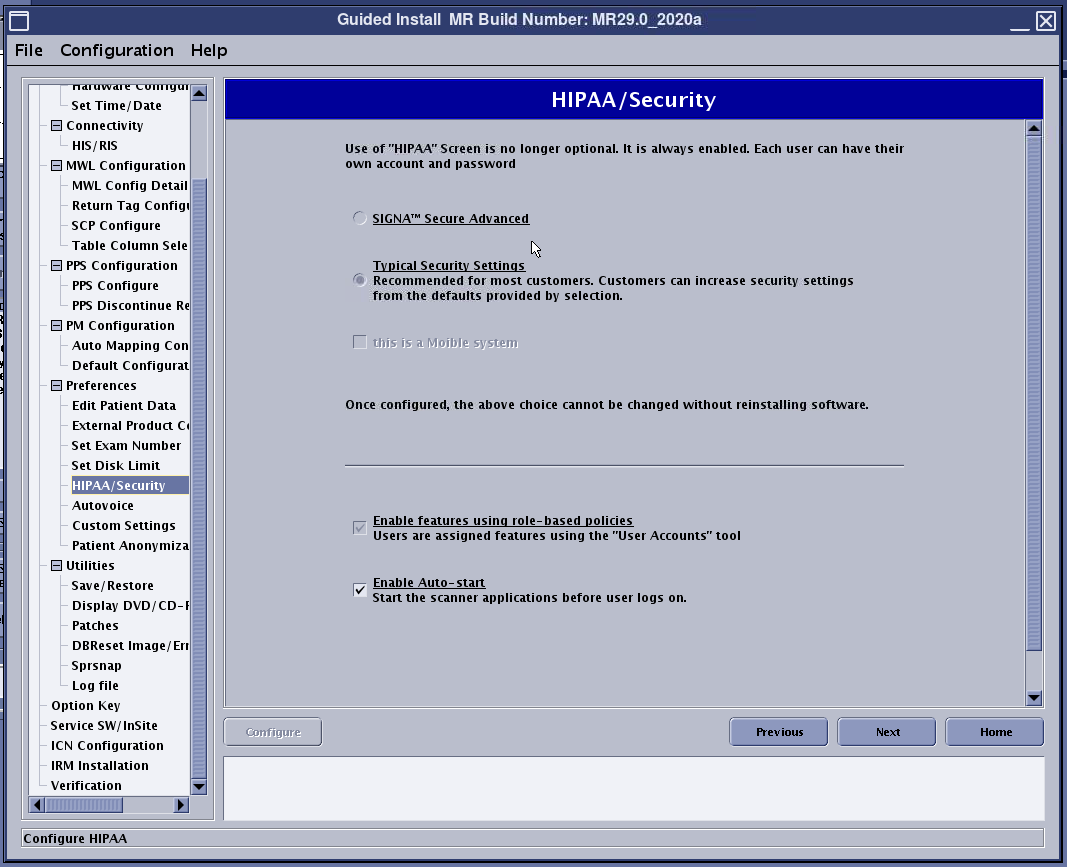
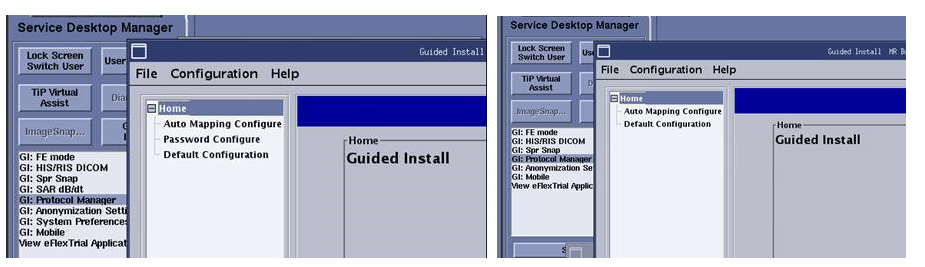
To access HIPAA/security levels, launch Guided Install from the Service Desktop Manager and select the HIPAA/Security tab.
Typical Security Settings is the default security level. The higher security settings is not offered with the 29.0 version of software.
Note: The typical security settings in the 29.0 version of software have been enhanced to match the highest security settings compared to previous software revisions.
Definitions:
- Role-based authorization
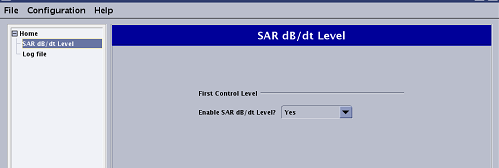
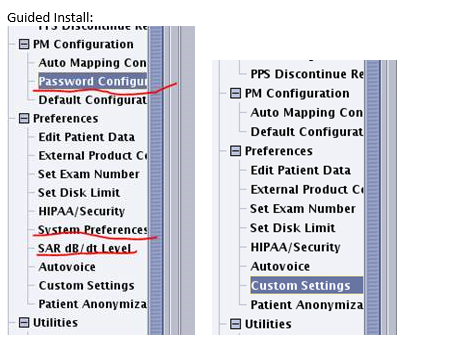
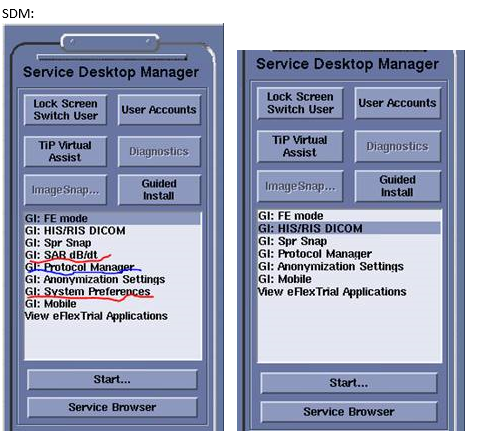
- It is possible to control access to various system features such as choosing higher level of SAR, setting custom system preferences, and/or protocol management and limit it to a specific group of users. With software 29 and later access control to the above mentioned features has been removed from Guided Install, Service Desktop Manager, and Protocol Manager.
-
-
-
- SAR management
- Enables the operator to choose second level SAR while scanning.
- Edit preferences
- Enables the operator to change scan preferences.
- Protocol management
- Enables the operator to create, modify, or delete protocols.
Software version 29.0 requires Role Based Access to be configured in order to access the advanced functionality stated above. See Configure user accounts for Role Based access controls.
| Typical security settings | |
|---|---|
| Role-based authorization | Enabled by default |
| Complex password | Required (turned on by default) |
| SAR management | Required (role based) |
| Edit preferences | Required (role based) |
| Protocol management | Required (role based) |
| User account management | Required |
| sdc shared accounts | Not available |
| Remote service | Supported |