• Discovery MR750 3.0T System Service Methods
  • 5690009-2EN Revision 4
  • Object ID: 00000018WIA30D3C950GYZ
  • Topic ID: id_2026181 Version: 2.1
  • Date: Jul 12, 2021 1:02:59 PM

Setting up customer accounts and passwords (OS & EA3)

Procedure

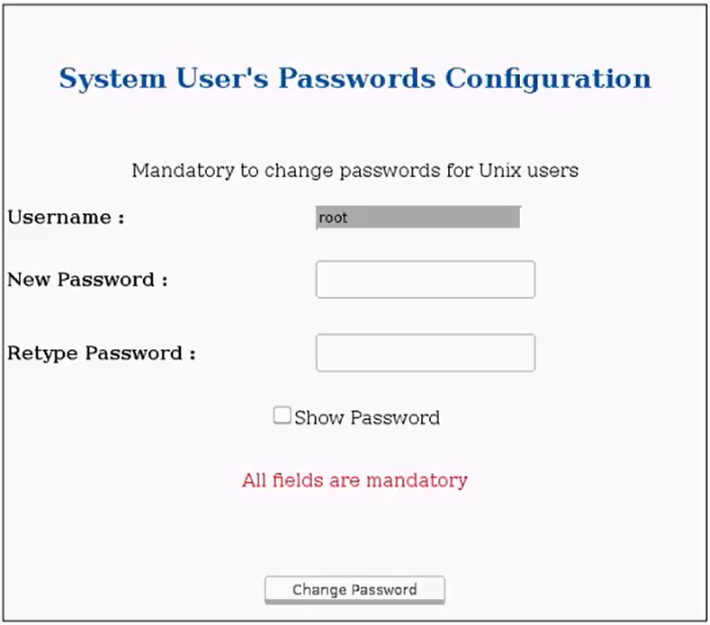
  1. The OS password reset screen comes up when the system boots.
  2. Work with your customer admin or lead technician to set up all the OS accounts (root, insite, and sdc) and passwords.
  3. See MR customer password management process for rules related to setting up passwords.
  4. Click Start to log in to applications.
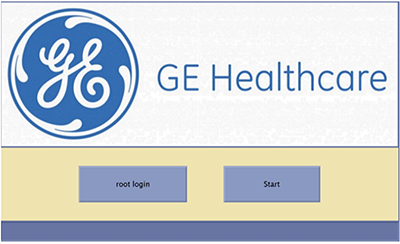
    Note: The sdc user no longer exists by default.
  5. Have the customer admin or lead technician log in with the admin user. The default password is operator.
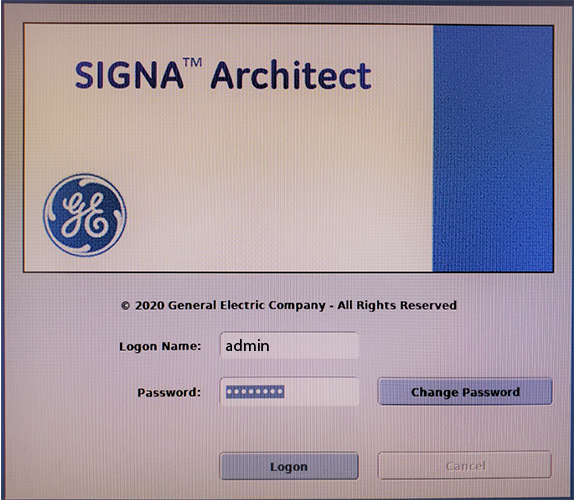
  6. A password change will be forced and the customer admin/lead technician will need to set up an admin password for the system. The software default password for admin user is operator.
  7. Log on with the new credentials.
  8. Have the customer admin or lead technician set up the rest of the user accounts for rest of the users.
    1. The admin can choose to either set up local users or enable enterprise authentication (if available in the facility).
    2. The admin would also need to configure role-based access for the users.
    3. A detailed procedure for this is provided to the customer in the MR Privacy and Security manual, see Configure user accounts for Role Based access controls.
  9. Perform a save info to back up all the configuration/calibration files as well as the user settings that were just applied in previous steps.