- Discovery MR750 3.0T System Service Methods
- 5690009-2EN Revision 4
- 00000018WHA306172GYZ
- id_20015248.2
- Oct 11, 2021 6:34:12 PM
Installing IRM software
Follow this procedure if the site has an in-room monitor (IRM).
Prerequisites
| Personnel requirements | |||
|---|---|---|---|
| Required Persons | Preliminary requirements | Procedure | Finalization |
| 1 | - | 5 minutes | - |
Procedure
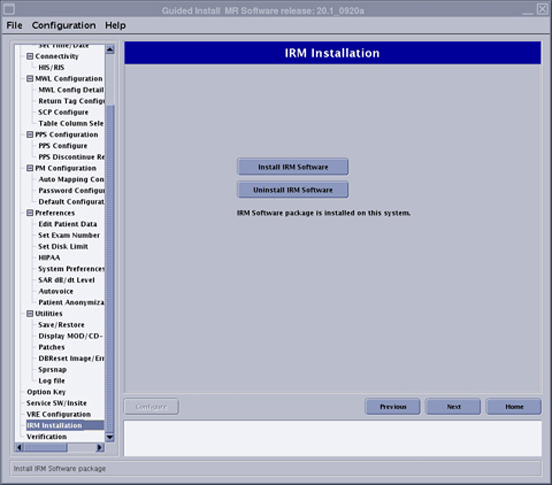
- Click Install IRM Software.
Figure 1. IRM installation screen