- Discovery MR750 3.0T System Service Methods
- 5690009-2EN Revision 4
- 00000018WIA30D72110GYZ
- id_20035236.1
- Dec 31, 2021 12:14:20 PM
Configuring MR scanner host computer as network time server client
Use the Guided Install user interface to configure the MR scanner host computer to reflect the same time as the network time server.
Procedure
- Enter the NTP server’s IP address in the NTP server IP Address field.
Figure 1. Network Info window 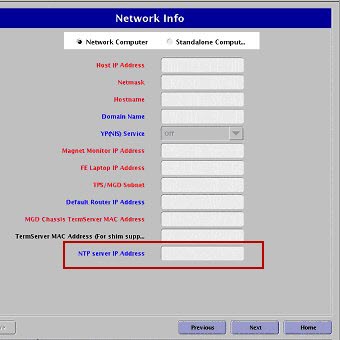
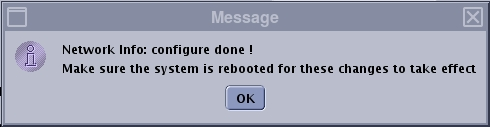
- Click Configure.A message will show when the configuration is done.
Figure 2. Configure done message