- Discovery MR750 3.0T System Service Methods
- 5690009-2EN Revision 4
- 00000018WIA309EC630GYZ
- id_20116935.1
- Dec 31, 2021 7:05:43 PM
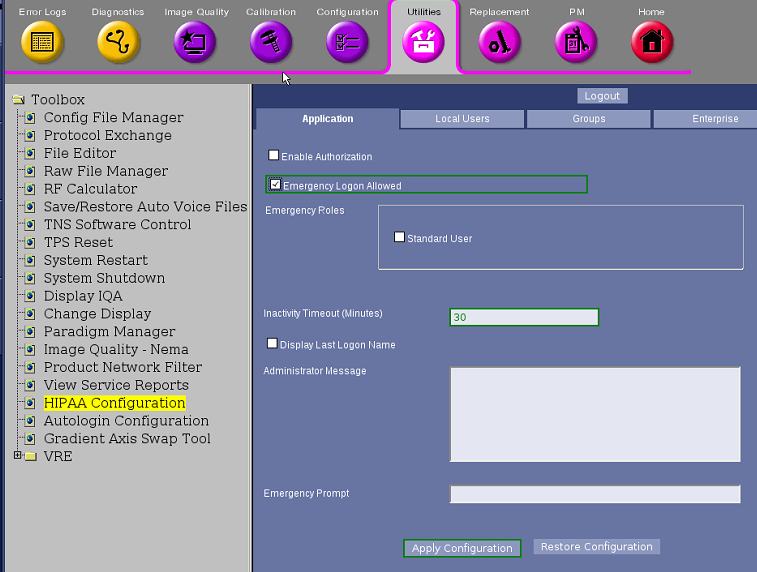
Enabling or disabling emergency logon authority
Emergency logon lets the user to access the MR applications without logging on using a password. This may not be desired depending on the security level required at your site.
About this task
Procedure
- Select .
Figure 1. Emergency logon 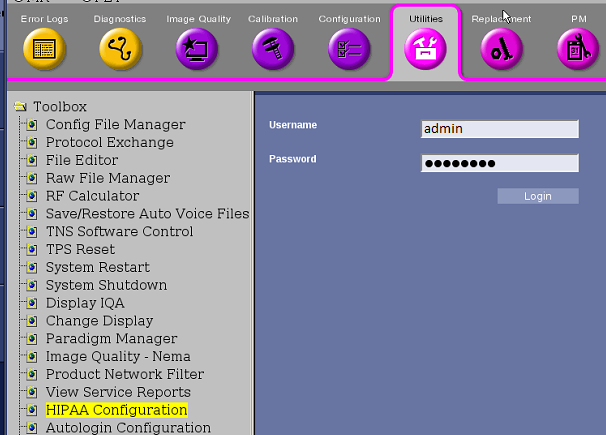
- Change the Emergency Roles options to the desired setting.
Figure 2. Emergency logon configuration