TR Dynamic Disable Calibration
Prerequisites
This calibration should be run on:
-
System installation.
-
T/R DD Board replacement.
-
Body Coil replacement.
-
Body Hybrid replacement.
-
Replacement of cabling between any of the above.
Procedure
- From the Common Service Desktop, select Calibration > T/R Dynamic Disable Calibration > Run the calibration procedure.
Figure 1. T/R Dynamic Disable Open Limit Calibration
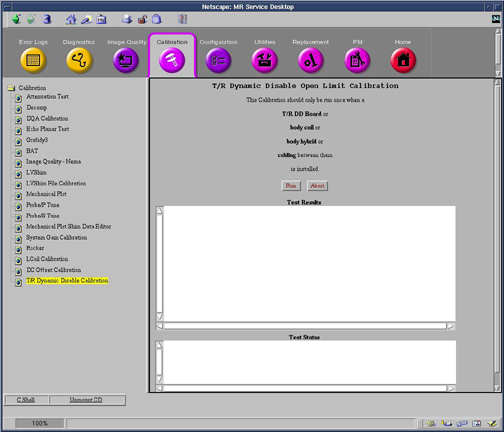
The calibration will complete with results given in the Test Results text area.
- Perform a TPS Reset for calibration changes to take effect.
Finalization
No finalization steps.