- Topic ID: id_2030482
- Version: 2.0
- Date: Sep 13, 2021 2:15:03 AM
CHANGE EA3 PASSWORD AT FIRST BOOT UP
Procedure
- Start the Application.
- System will display the EA3 Login UI.
Figure 1. EA3 Logon UI
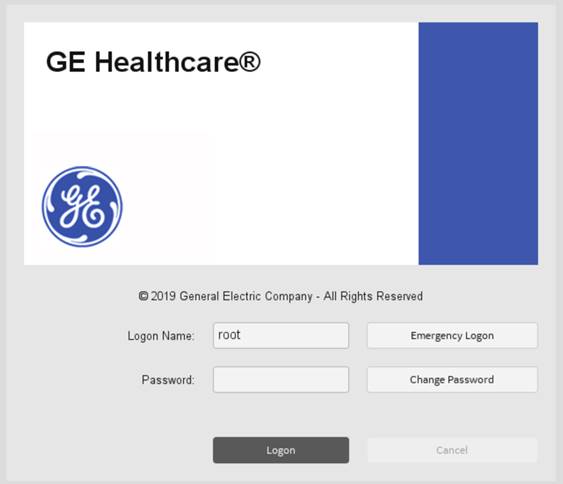
- Login as root. Once successfully authenticated, system enforces to change root default password.
Figure 2. EA3 Logon UI- Force Password reset
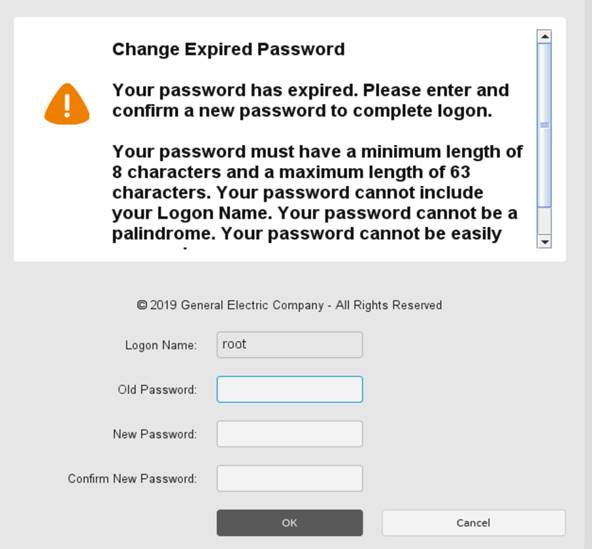
- After successfully changed root default password, login as root with new password.note: While user use other EA3 user account (admin, ctuser, insite, service) in EA3 Login UI, system enforces to change default password once successfully authenticated.