- Topic ID: id_11038874
- Version: 5.0
- Date: Aug 10, 2021 9:55:04 PM
Recon Data Path Functional Checks
Prerequisites
Overview
The following is a procedure for checking the functionality of the Recon Engine Components for proper operation.
1 Recon Data Path Test Procedure
Procedure
- Open CSD, select Diagnostics Tab, and click Recon Data Path in the menu.
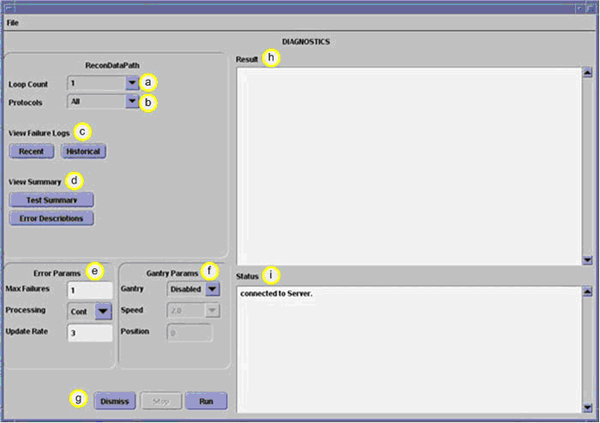
Figure 1. Recon Data Path Window
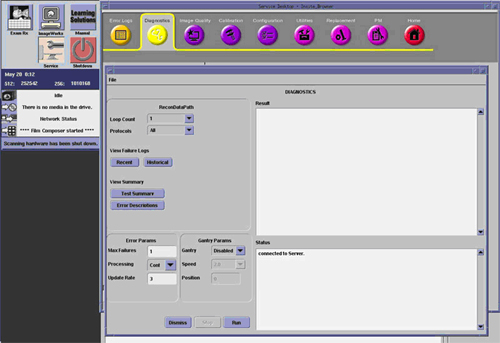
- Select the desired test conditions, Loop Count and Protocols, in the Recon Data Path Window.
- Click Run in the Recon Data Path Window to execute test.
- View test results shown in the Result box upon completion of test. No errors should present
2 Recon Data Path Window Field Descriptions
Figure 2. Recon Data Path Window Fields