- Topic ID: id_18718392
- Version: 1.0
- Date: Sep 20, 2018 1:59:56 PM
Hardware Parameters Selection
1 Introduction
This Appendix applies only to systems using the - "LFC Procedure - Version 05MW14.5" software load procedure.
2 Procedure
This procedure explains how to correct the hardware configuration if the DAS Type, Tube Type, PDU Type, or Gantry Type information on Hardware screen is not correct.
-
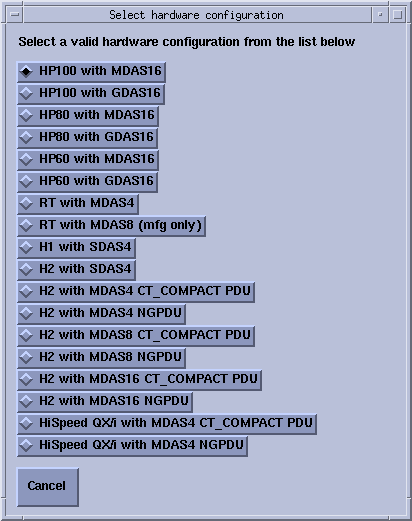
On Hardware screen, click the HARDWARE PARAMETERS SELECTION button. This displays the hardware selection popup. Refer to Figure 1.
-
Select the correct system configuration from the displayed list (this closes the hardware selection popup).
Figure 1. Select Hardware Configuration Window